KDG Support
Problem when cloning the repo: Unable to create file - Filename too long
For some setups, there is an error when cloning the kdg repository:
error: unable to create file and Filename too long
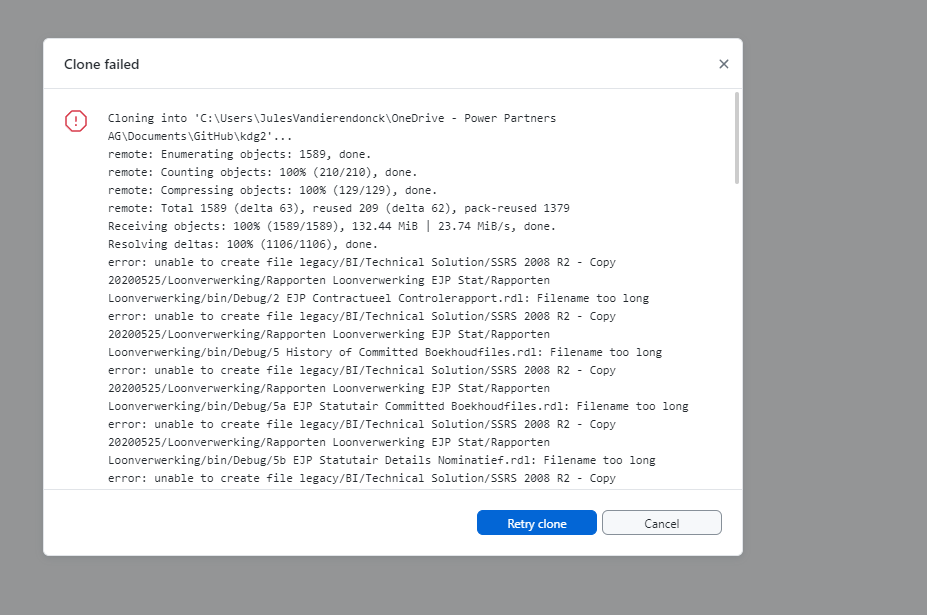
To resolve this issue, proceed as follows:
-
in github desktop go to
Reposotiry > Open in Command Prompt -
type
git config --global core.longpaths true -
delete the semi-cloned folder in Windows explorer
-
clone again
Rights required to work on Synapse
Users
To access kdg, you need to have a personal user at kdg (e.g. christoph.glur.ext@kdg.be). You can request it from: ICT Servicedesk servicedesk.ict@kdg.be
There is also a service user birefresh.finops.svc@kdg.be
Rule: for any work we do on synapse, we are using the personal user (christoph.glur.ext@kdg.be).
Access Rights
-
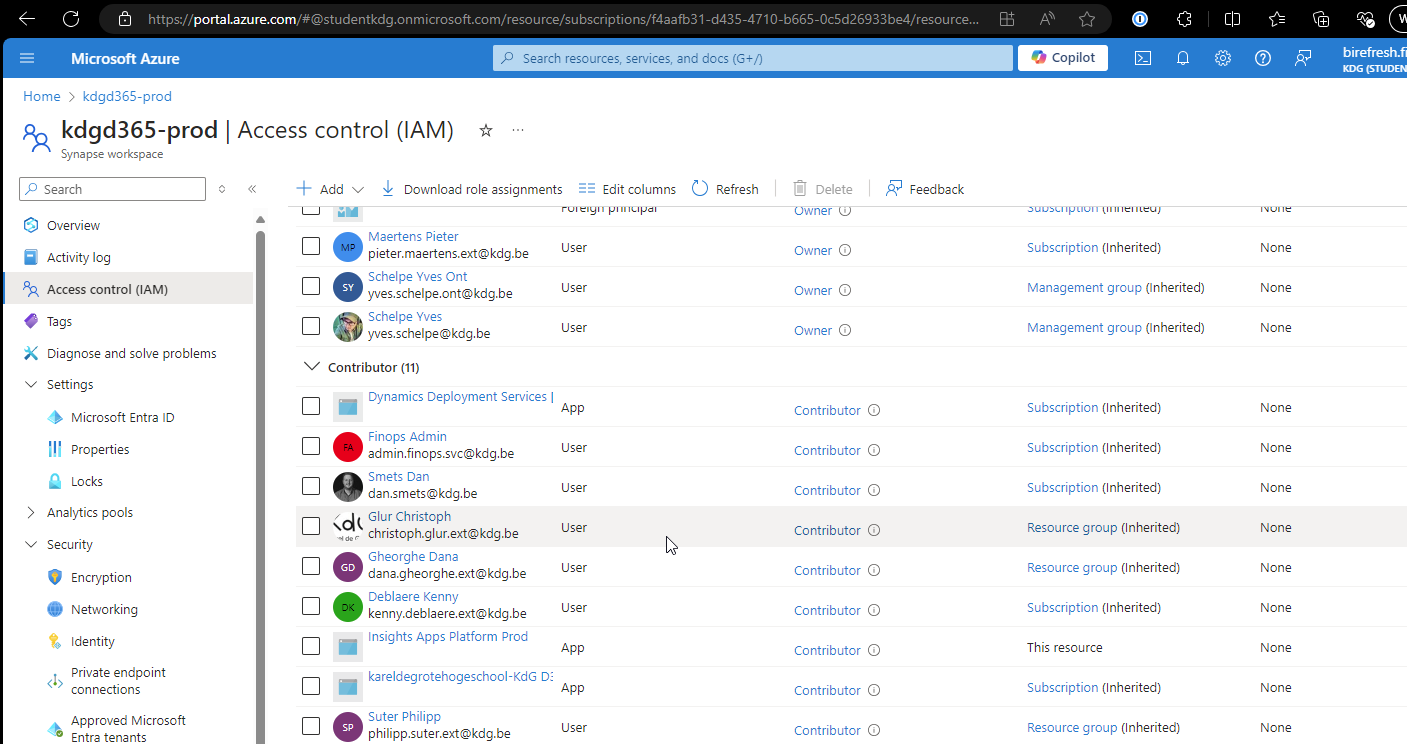
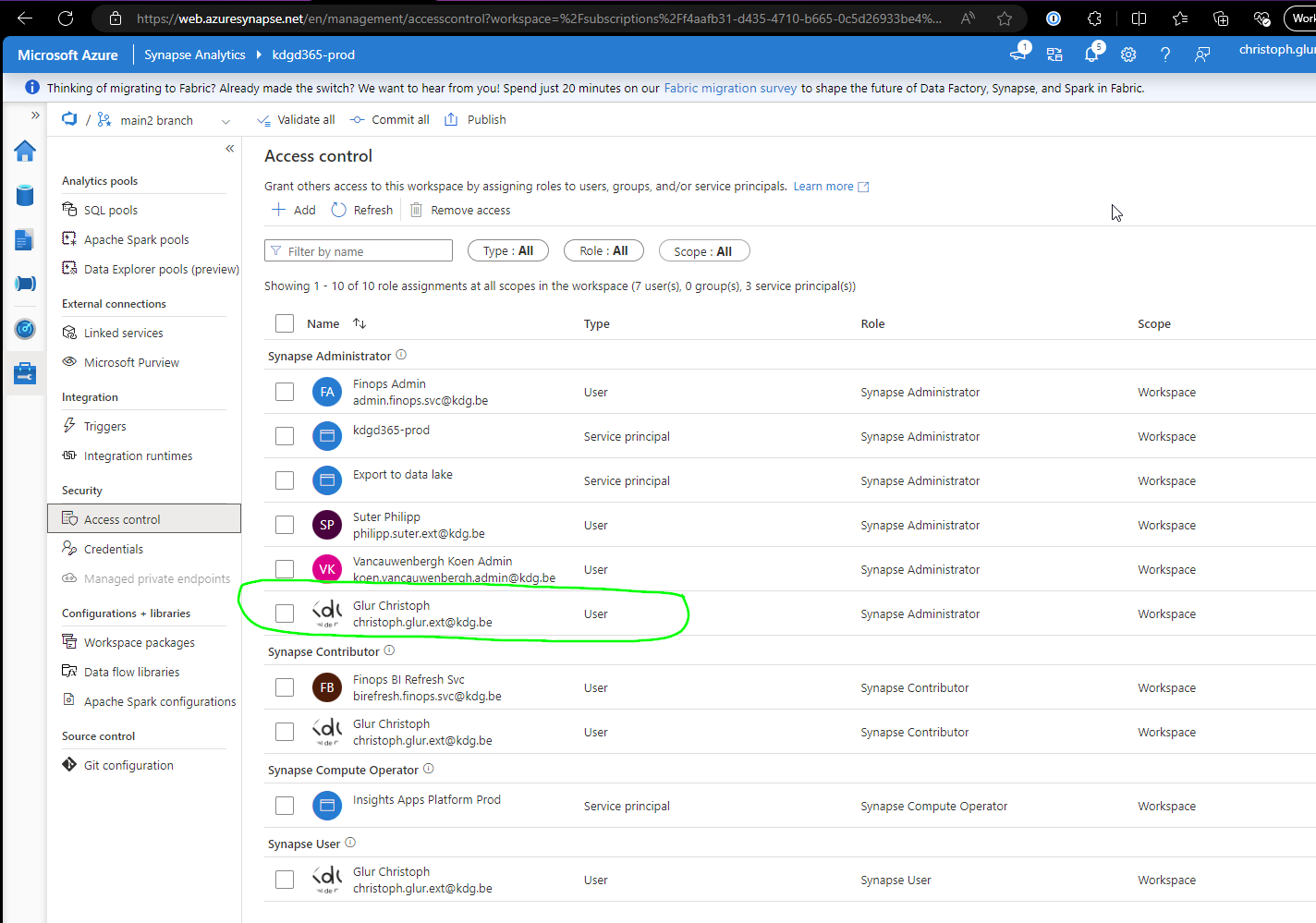
to access the synapse workspace, you need to be
Contributoron the workspacekdg-365prod
-
you need to be Synapse Administrator in Synapse Studio
-
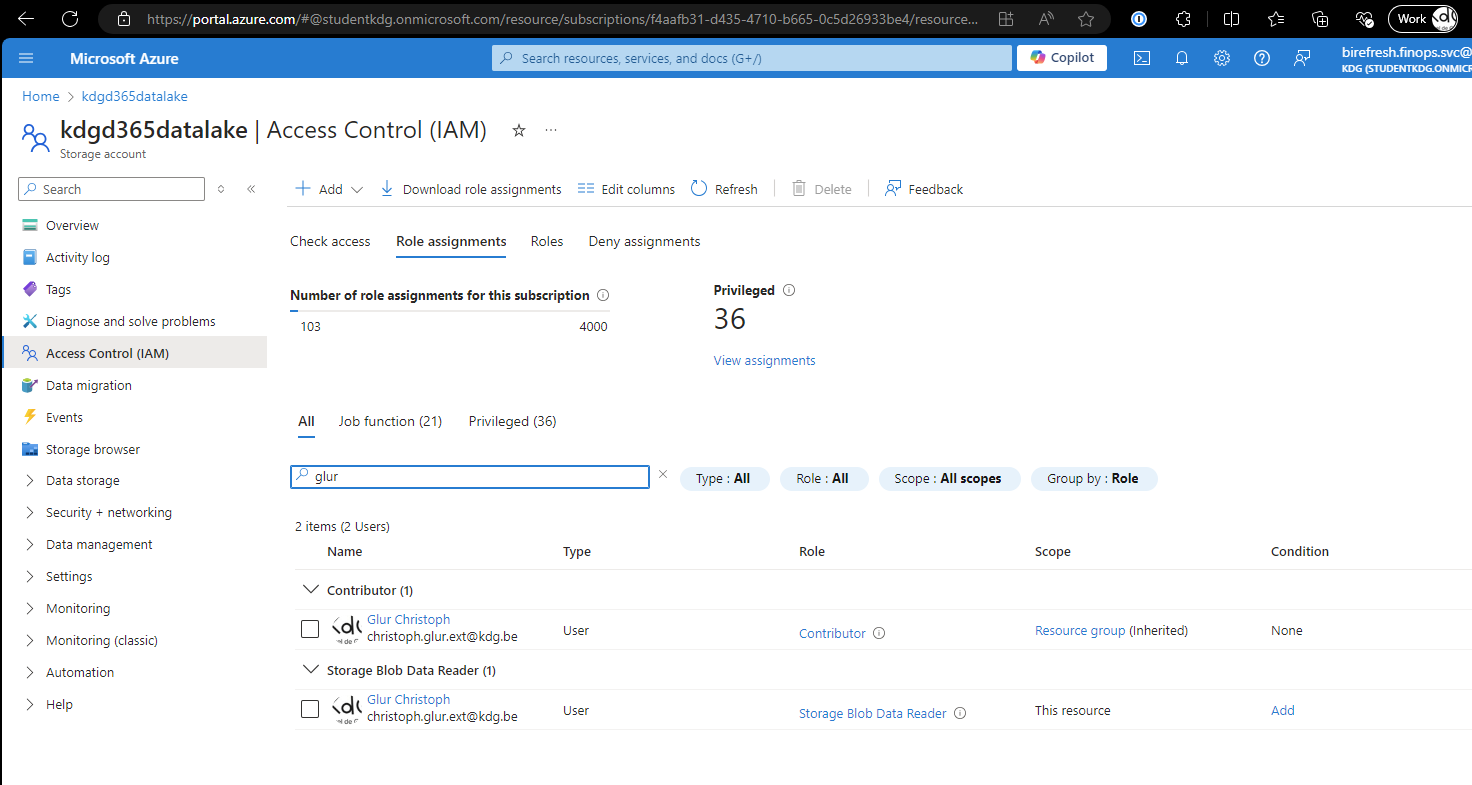
you need to be
Storage Blob Data Contributoron the datalake
-
you need to have access to the Azure Devops organisation, and project:
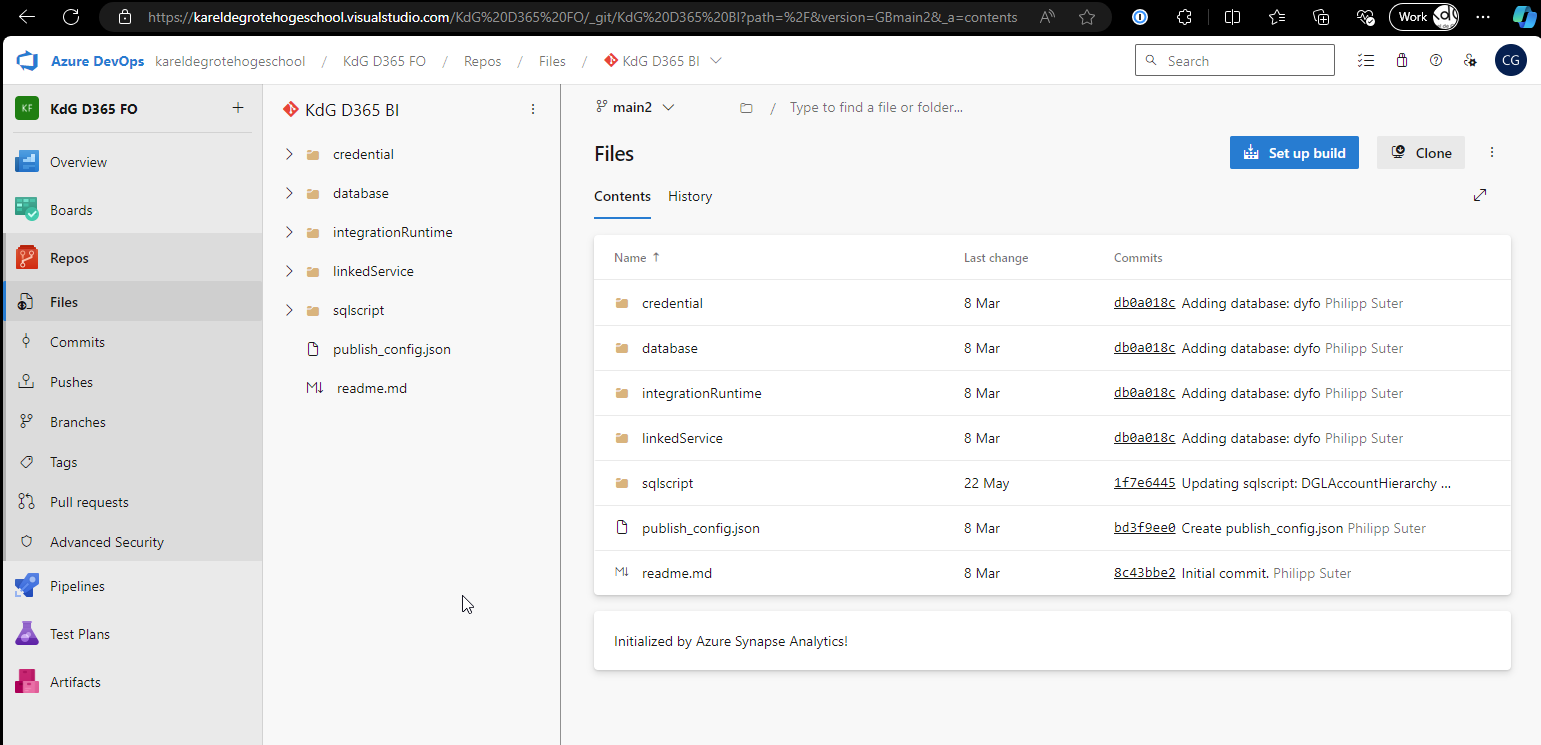
Request it with the following templat from servicedesk.ict@kdg.be
Note
Hi,
I have a request support kdg with the reporting/DWH (SON-2405-18001).
Unfortunately, I don't have access to the Azure Devops Organisation / git repository.
Could you give me access to the following Org/Project/Repo?
Users:
Azure DevOps Organization: kareldegrotehogeschool
Project: KdG D365 FO
Repository: KdG D365 BI
Thank you so much in advance!
Best,
Christoph
Add a field to the DWH / Cube
Stakeholders call it the "Cube", but what they actually mean is the Semantic Model:
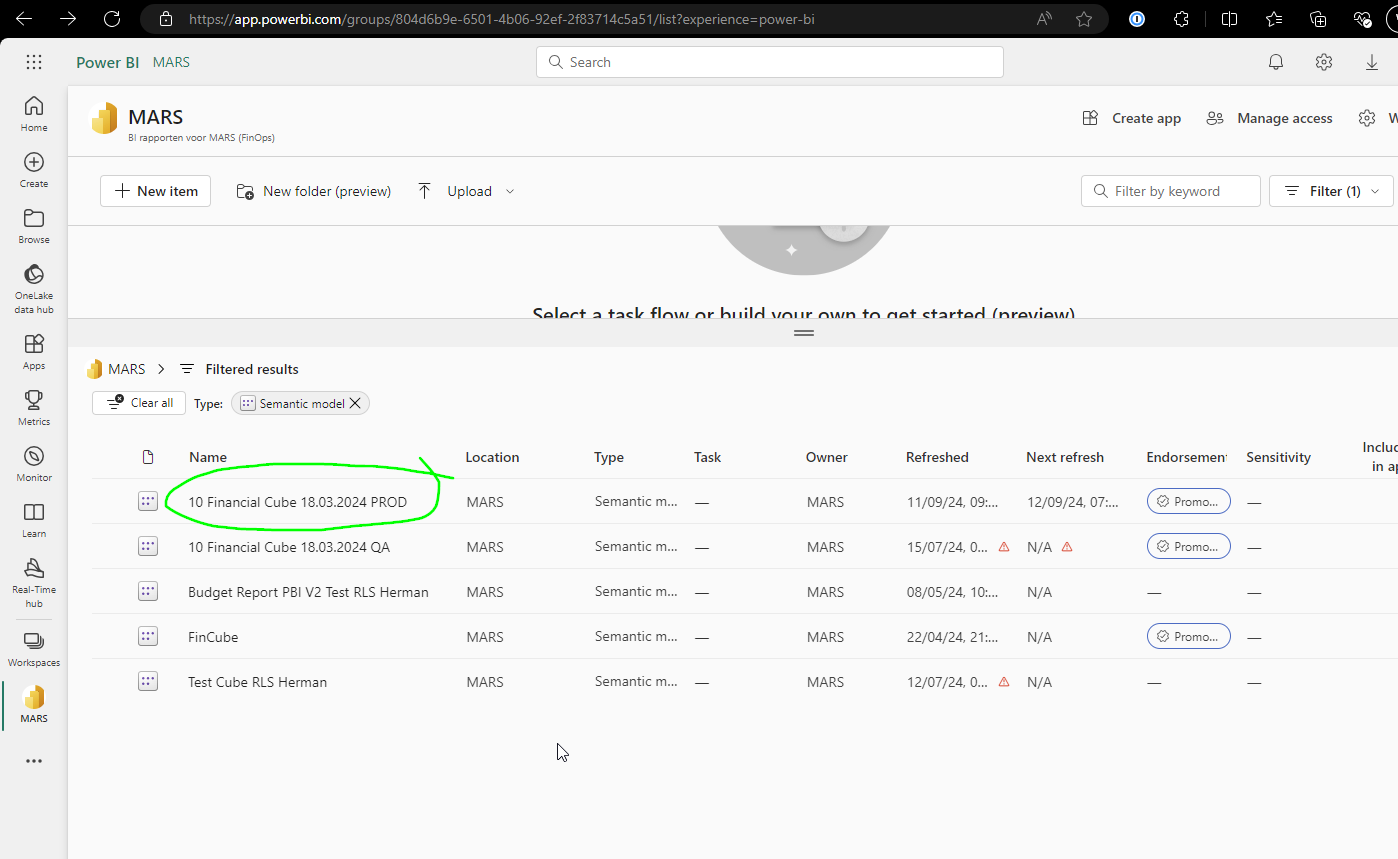
The lineage is:
graph LR
    FO[FO] --> Datalake[Datalake]
    Datalake --> Synapse[Synapse]
    Synapse --> PowerBI[Power BI]
The Synapse workspace is kdgd365-prod
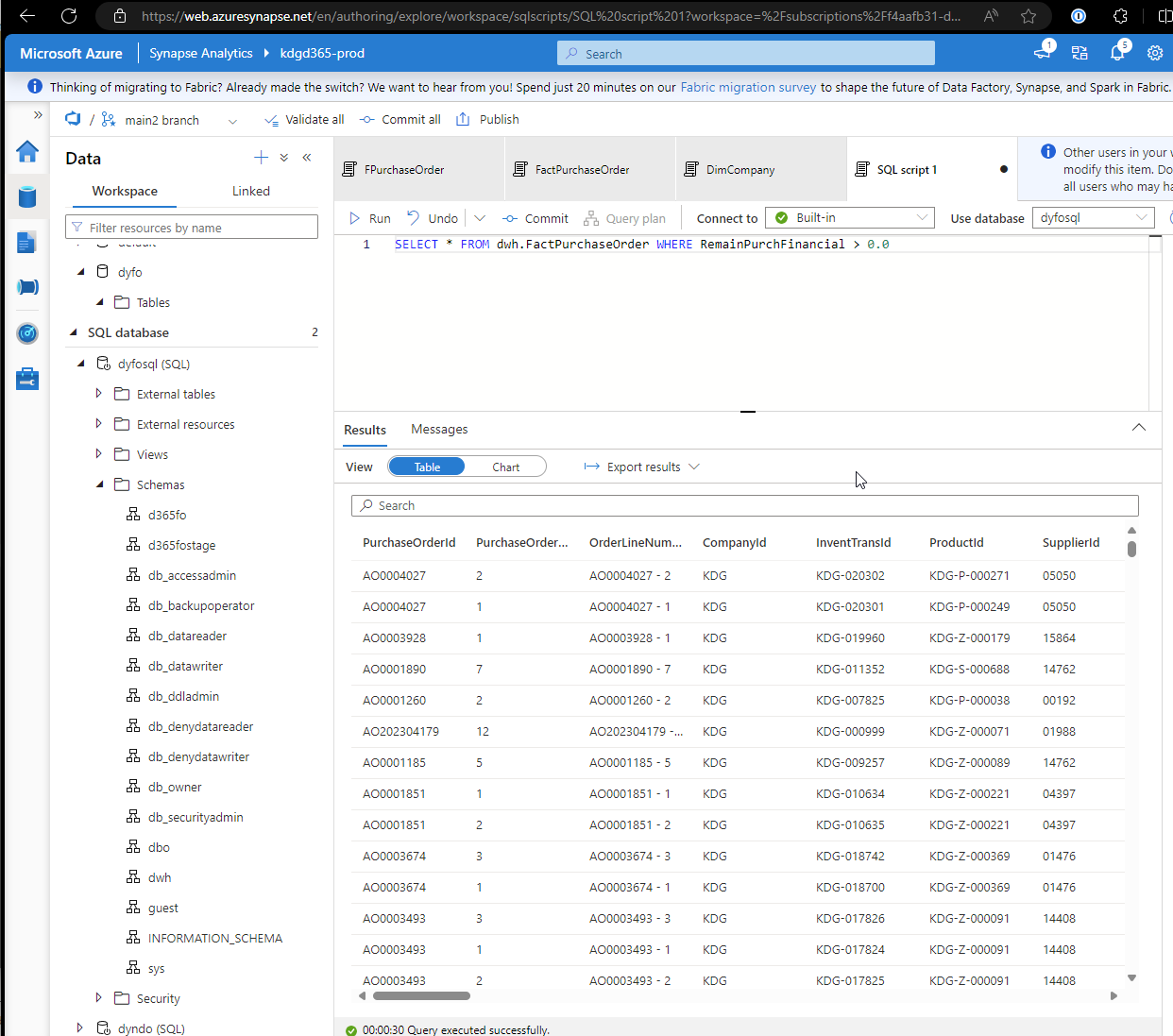
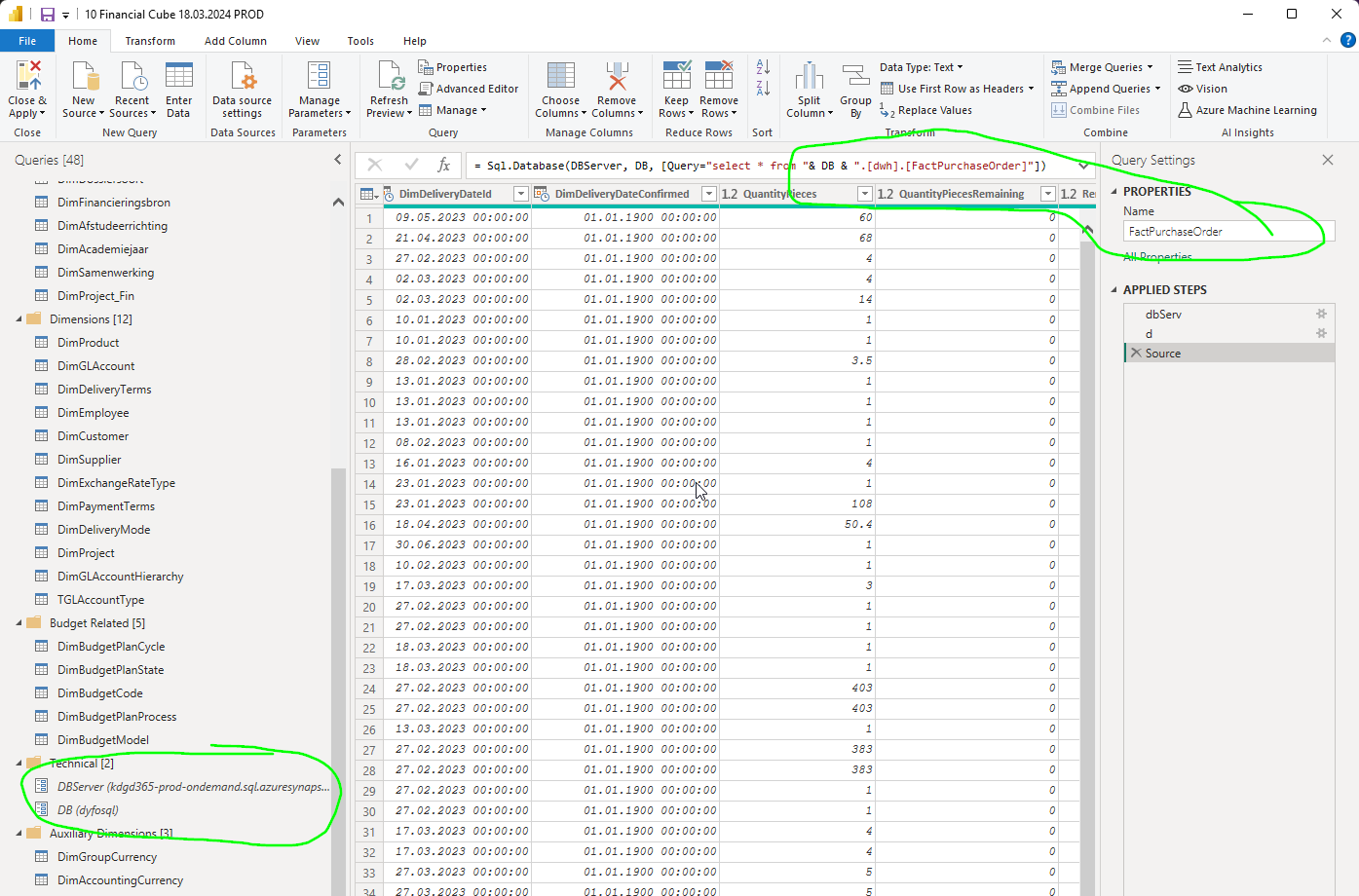
Power BI gets the data from dyfosql.dwh:
Within Synapse, the lineage is
graph LR
    dyfo.d365pre.PurchTable --> dyfosql.d365fo.FPurchaseOrder --> dyfosql.dwh.FactPurchaseOrder
    d365-data/DimPurchaseOrderStatus.csv --> dyfosql.d365fostage.TPurchaseOrderStatus --> dyfosql.dwh.DimPurchaseOrder
where:
- dyfo, dyfosql are databases, namely:
- dyfo: lake database
- dyfosql: SQL database
- d365pre, d365fostage, d365fo, dwh are schemas
- PurchTable, FPurchaseOrder, FactPurchaseOrder are example tables
Add New Field
To add a new field, you need to:
-
check if it is in the data lake (by inspecting the table, e.g. dyfo.d365pre.PurchTable)
-
if not, as Dana from sonical to add it to the export
-
add it to the staging table (e.g. dyfosql.d365fo.FpurchaseOrder)
-
add it to the table (e.g. dyfosql.dwh.FactPurchaseOrder)
-
check if it appears in Power Query