SAP Transactions
RE FX
| Transaction | Description |
|---|---|
| REISBU | Buildings |
| REISCN | Contracts |
| REISRO | |
| REISMSCN | Contract Measurmenents |
| REISCDCN | Contract Conditions |
| REISCDDB |
SAP System Environment (SE)
| Transaction | Description |
|---|---|
| SE11 | Used to create, display and maintain data dictionary objects such as tables, CDS views, and more. |
| SE16 | Data Browser to view data in SAP tables. |
| SE37 | Used to display and maintain function modules. |
| SE16N | Extension of SE16 that allows editing data as well. |
| SE38 | Used to create, display and maintain ABAP programs. |
| SE80 | Used to access the SAP Development Workbench. |
| SE93 | Used to display, maintain and organize transaction codes. |
SAP System Trace (SP)
| Transaction | Description |
|---|---|
| ST05 | SQL Trace |
| ST12 | ABAP Trace |
Use the trace like so:
-
In SAP GUI, open ST05
-
Open a separate SAP GUI Window
-
Prepare the transaction (don't open it yet, just the filter)
-
Switch back to the ST05 window. Click "Start Trace"
-
Switch back to the transaction. Execute.
-
Switch back to the ST05 window. Click "Disable Trace"
-
Click view trace
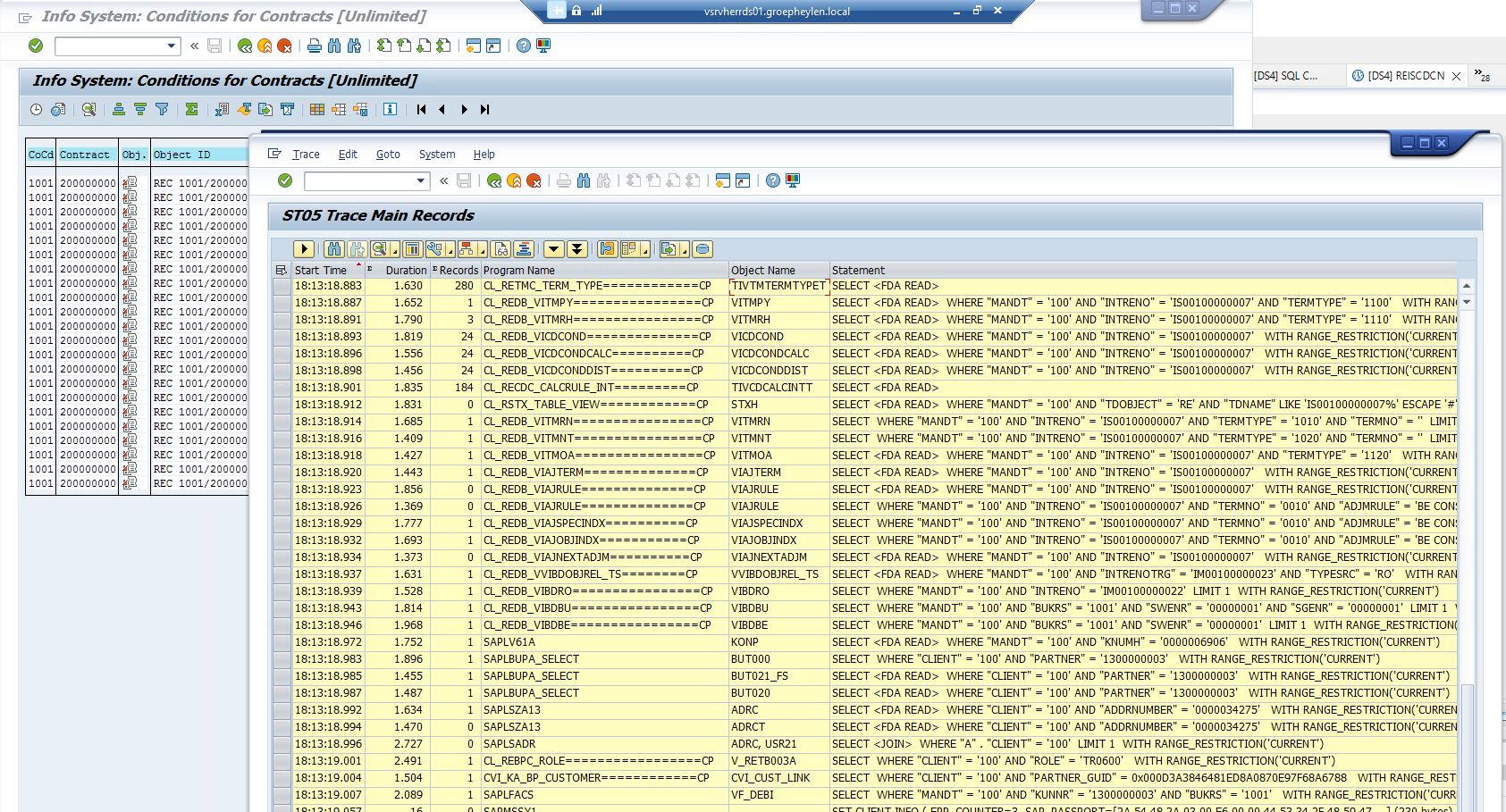
You get a window with all the SQL calls made: