Support Ticket Resolution
See also
Important
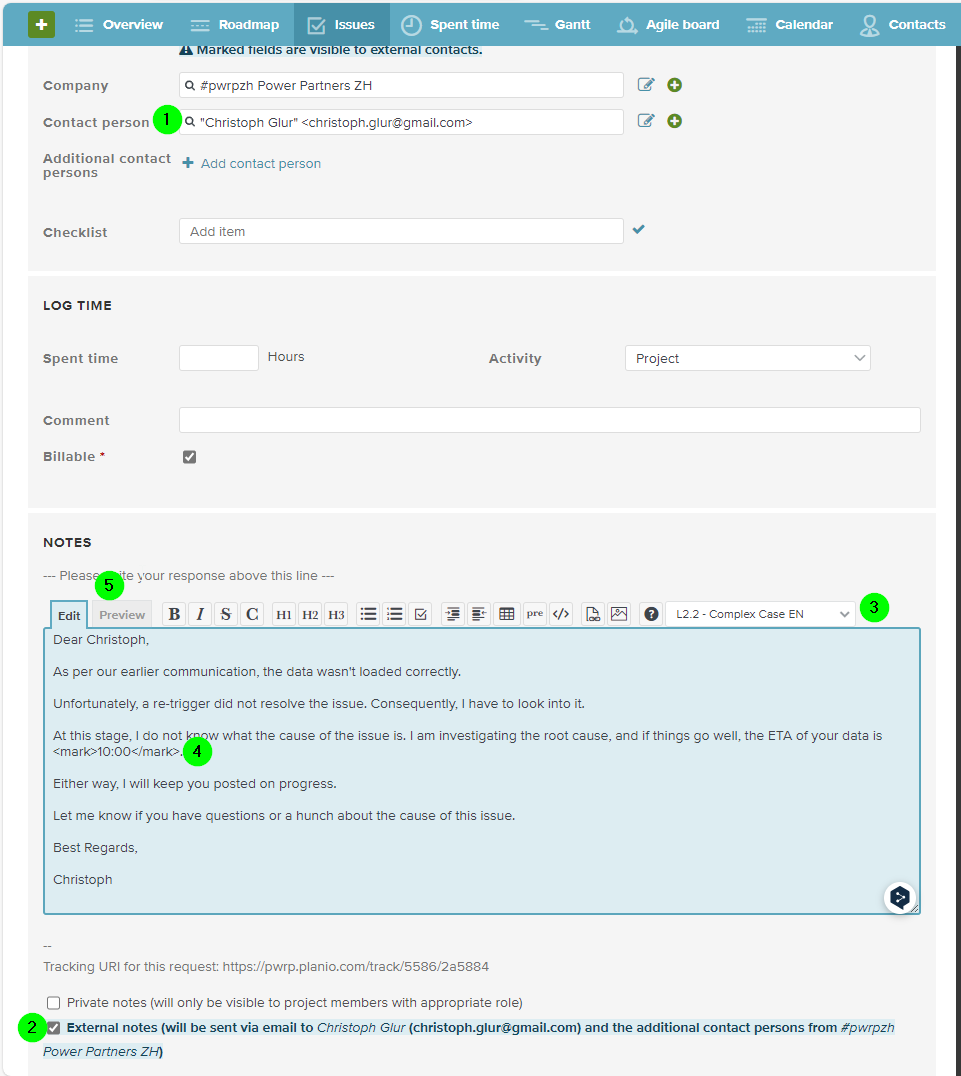
Please use planio external notes and the planio helpdesk templates to communicate with the client.
Process Details
- Owner: the delivery-team-member to whom a support ticket is assigned
- Participants: scrum-master
- Frequency: ad-hoc
- Trigger: the scrum-master assigns a ticket to a delivery-team-member
- Input: the planio issue of type
Support Ticket - Output: either the ticket is set to
Doneor assigned to another delivery-team-member
Pre-Conditions
- the scrum-master has created and assigned a Support Ticket as part of his support-desk-management duties.
Process
-
if the ticket is in channel
sonical, then get a sonical ticket- write an email to sonical support desk
- from: your sonical email address (e.g. christoph.glur@sonical.co)
- to: support@sonical.co
- subject: "Support ticket for \(client\)"
- description: describe the ticket. Ideally, add supporting information like who is the requester, request email, etc.
- within a few seconds, you should receive an email containing the sonical ticket (SON-0000-00000)
- add the ticket to planio. For channel sonical, there is a specific field on all the tickets.
- update the ticket regularly and add information. This will be tracked by Sonical and forwarded to the client.
- you will receive regular reminders in your sonical mailbox
- else, you can find the tickets here: https://sonicalgroup.crm4.dynamics.com/
- write an email to sonical support desk
-
if the issue can be resolved in less than 15 min inform the client as soon as finished:
- create an external note in planio
- use the L2.1 - Quick Resolution template in planio
-
else:
- inform the client:
- create an external note in planio using the L2.2 - Complex Case template in planio
- mention the possible cause
- mention the ETA (Expected Time of Arrival of the data from a client perspective)
- if you can fix the issue and load the data within the indicated ETA and in less then 2h spent time
- send a planio note to the client using L2.4 - Resolution
- set the ticket to done
- if the issue might happen again, and your learning might benefit you or other team members, then update the client's support page
- stop the time tracker
- else, if you realise that you cannot reach the ETA
- if it is helpful, discuss with the tech lead how to proceed
- inform the client of the next steps using the L2.3 - Hand over to L3 template in planio
- mention the course of action
- mention the new ETA
- inform the client:
Email Templates
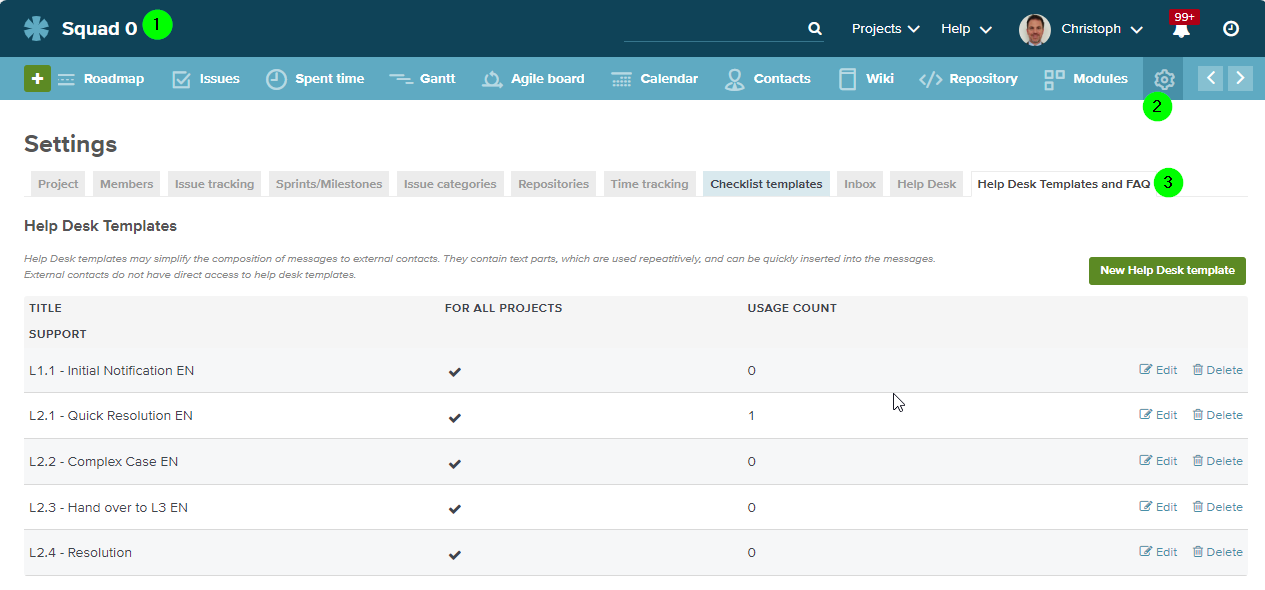
See helpdesk
They are defined in settings: