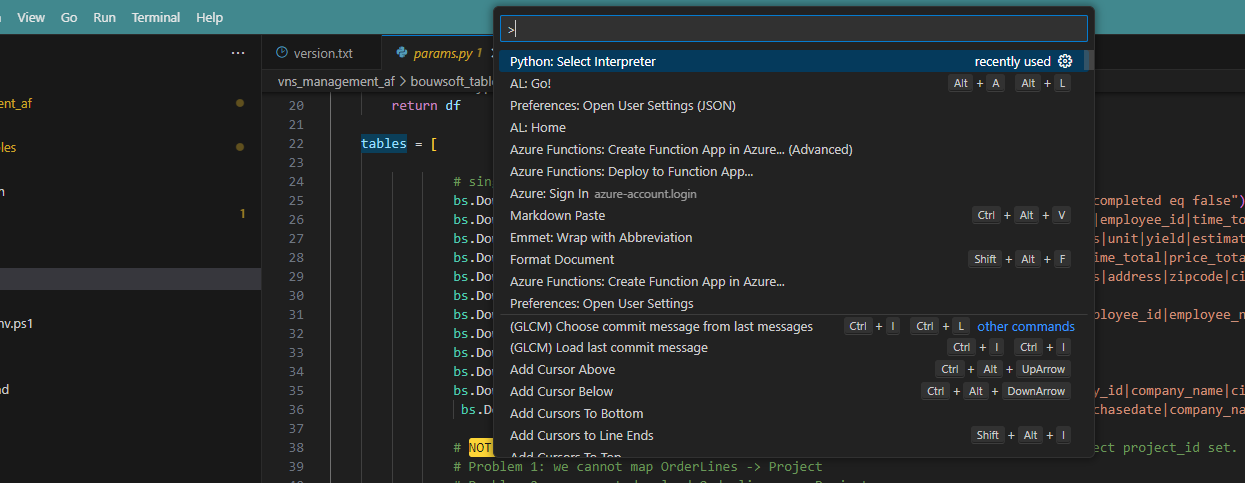
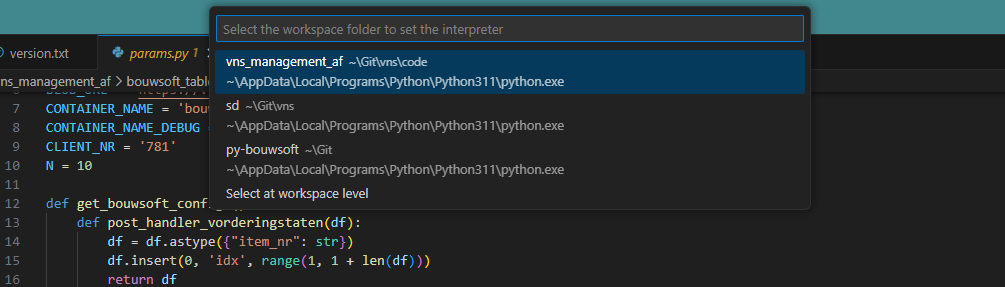
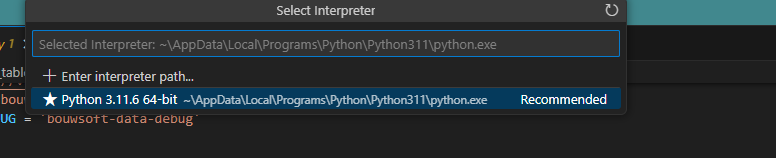
Terminal not active after running script If you cannot see the green venv environment after running scripts/1_create_venv.ps1 do the following: Ctrl+Shift+p Select python interpreter Choose interpreter found in the venv