Bouwsoft API Authentication
API
Bouwsoft has an REST API.
Authentication
The documentation is here:
In summary, you need to perform these steps:
-
log into our Visma developer account using our pwr@powerpartners.pro account
-
create an app, and call it according to the client code, e.g.
#tb -
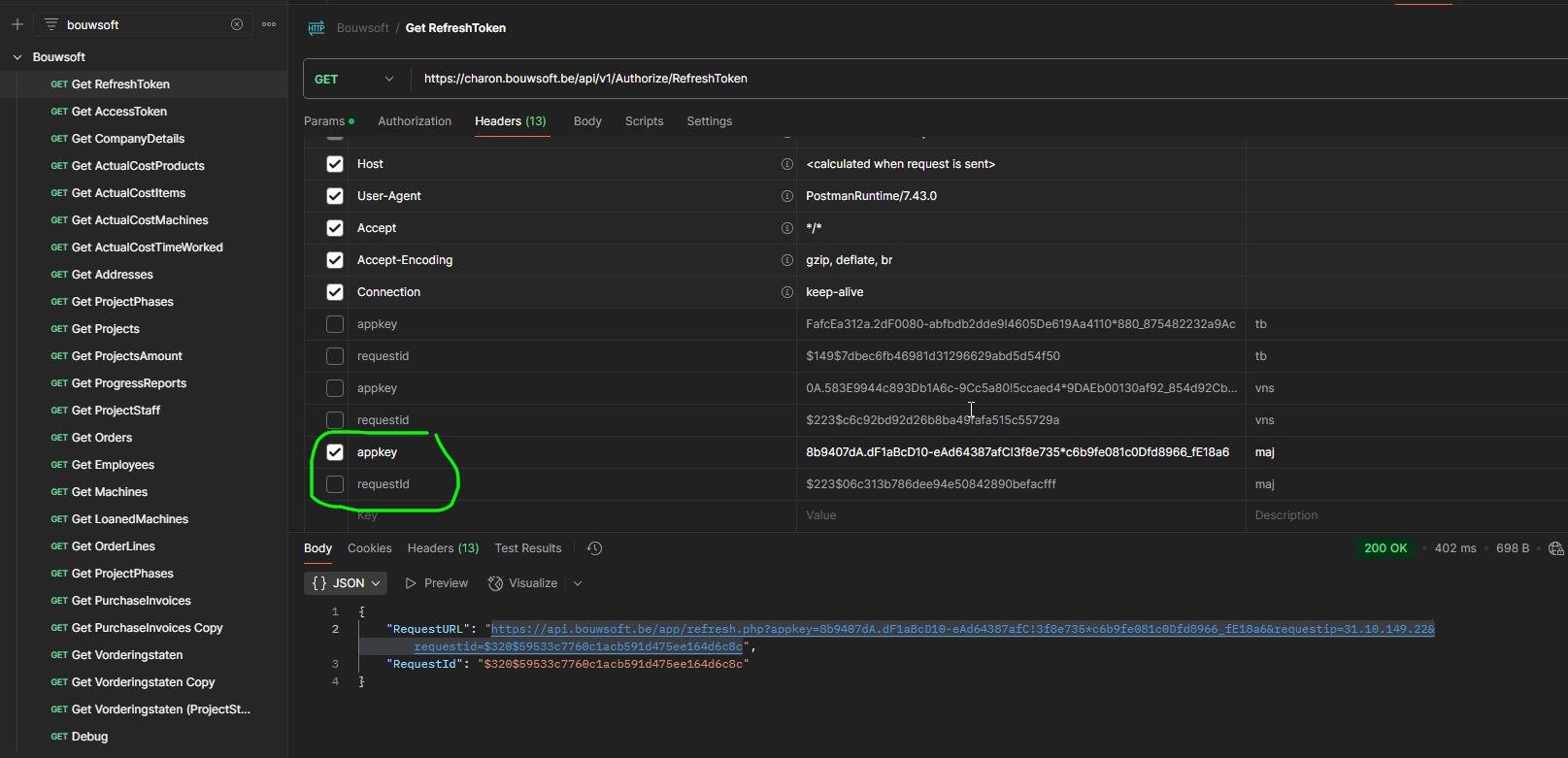
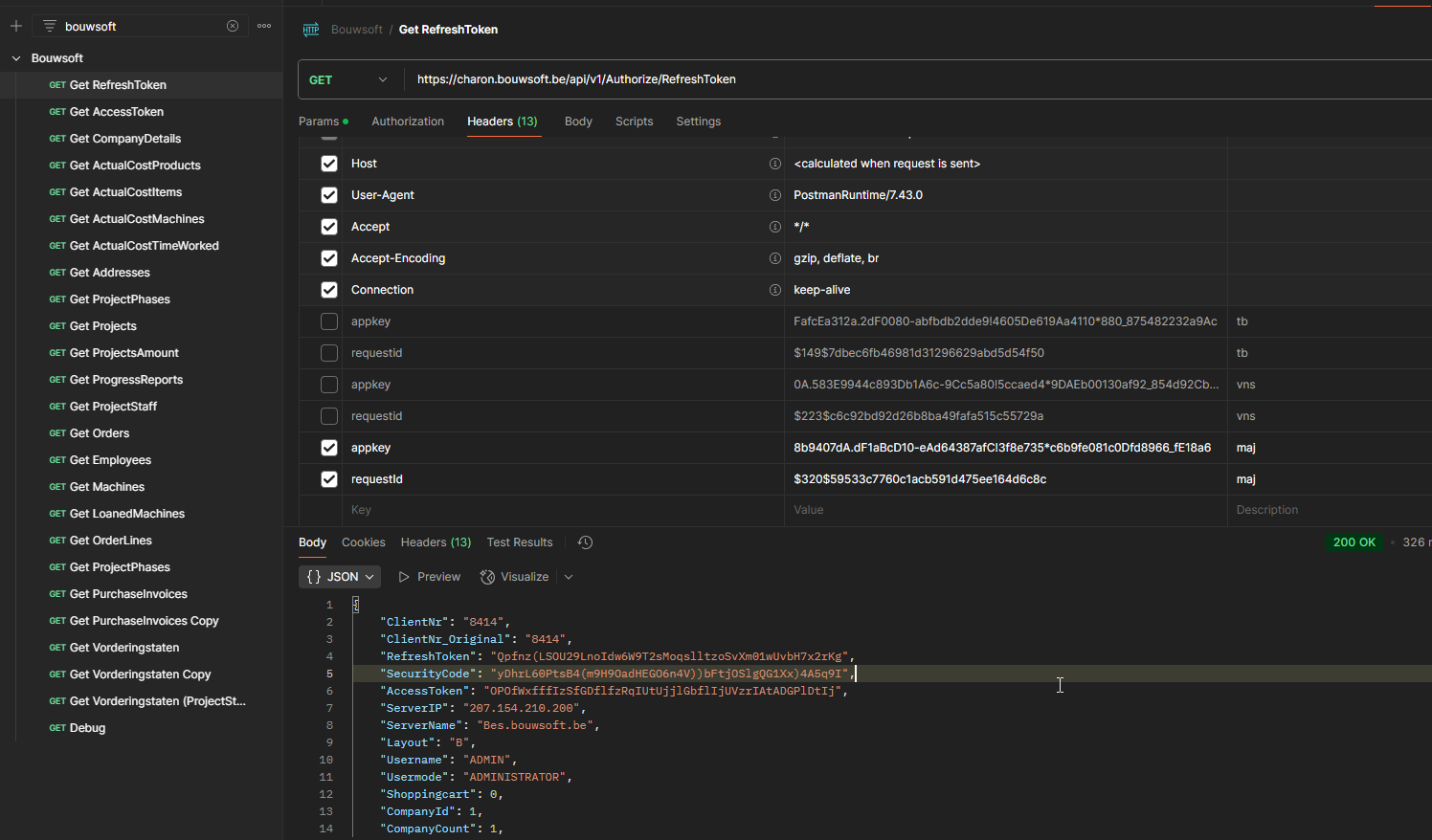
in postman, call https://charon.bouwsoft.be/api/v1/Authorize/RefreshToken
- provide the app key
- do not provide a requestId
- do not provide a redirectUri
you will receive a URL and a requestId
- in a browser
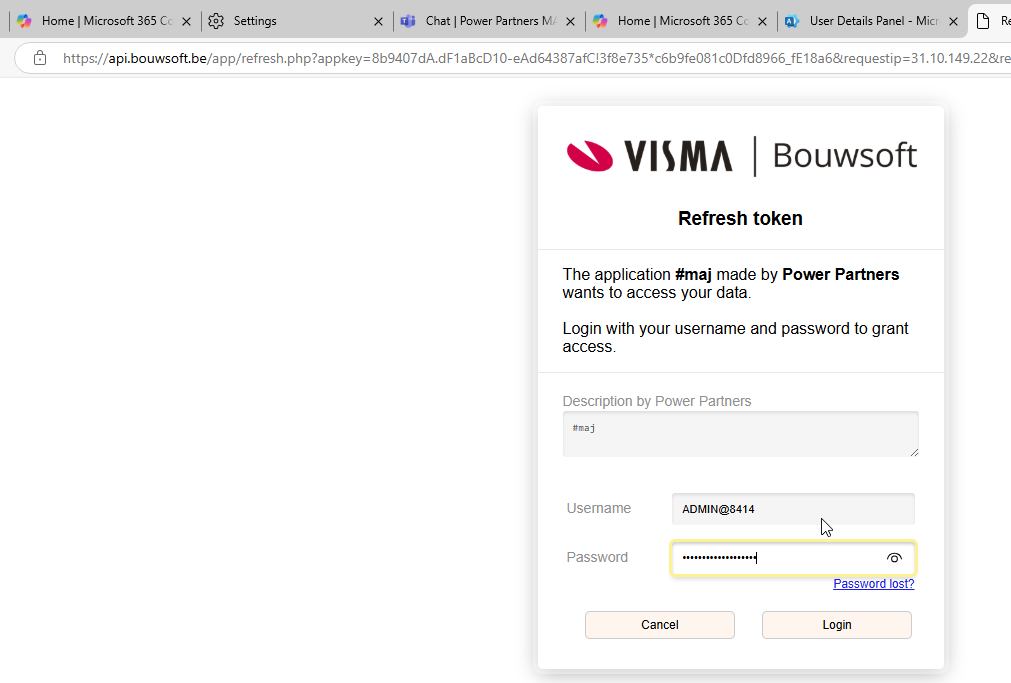
- paste the URL into a browser
- log in with your bouwsoft user and password
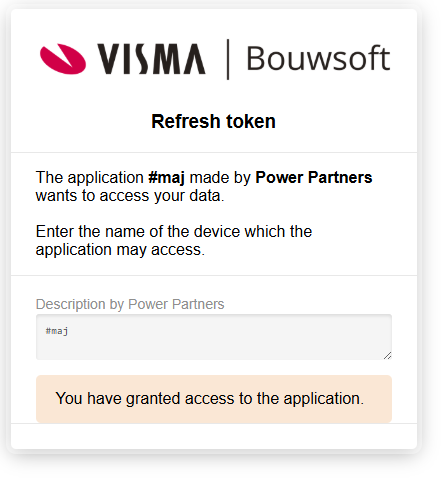
- give the device any name (e.g. browser)
- grant access
- in in postman, call https://charon.bouwsoft.be/api/v1/Authorize/RefreshToken again, but this time
- same: provide the app key
- new: provide the requestId from the previous step
- same: do not provide a redirectUri
- you will receive
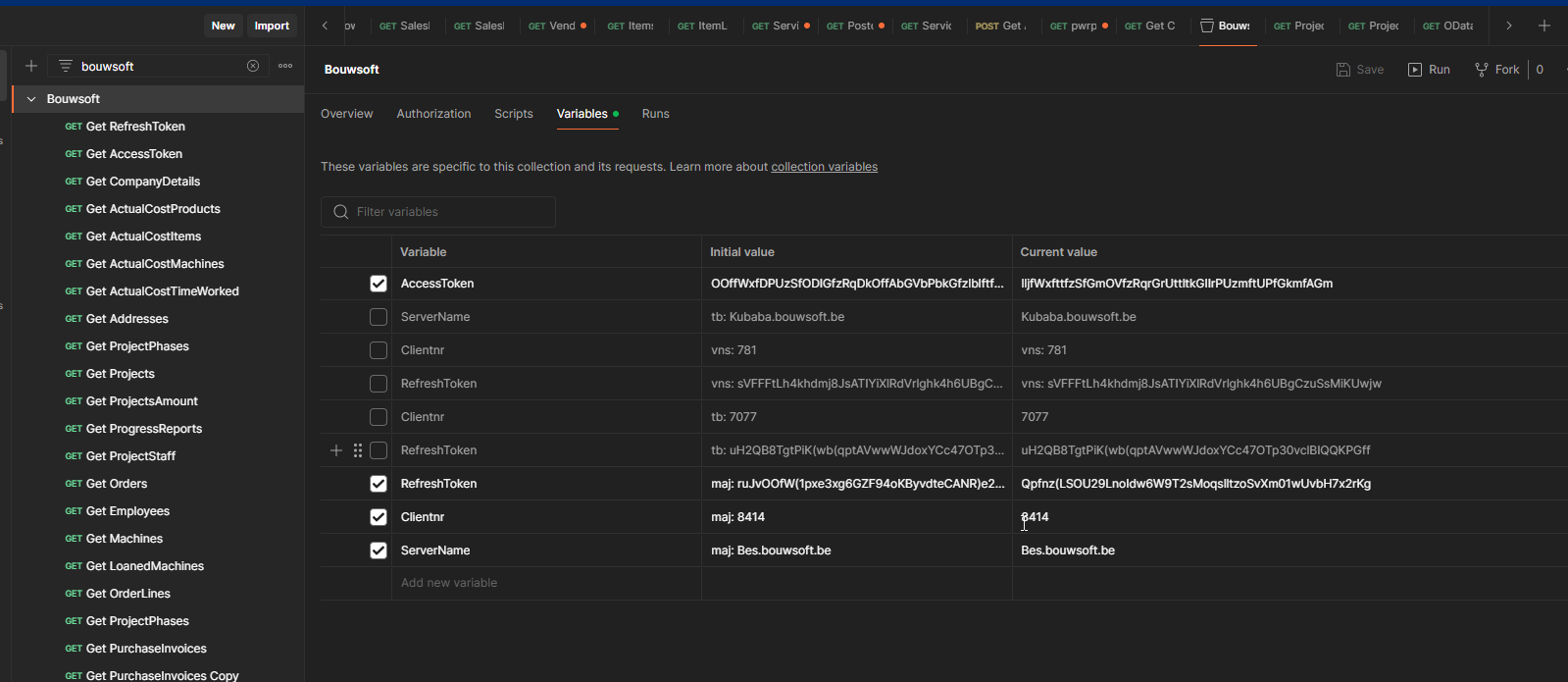
- a ClientNr
- a RefreshToken
- a ServerName
- an AccessToken
- With that information, you can either
- call the API (with the AccessToken)
- get a new AccessToken (with the RefreshToken)
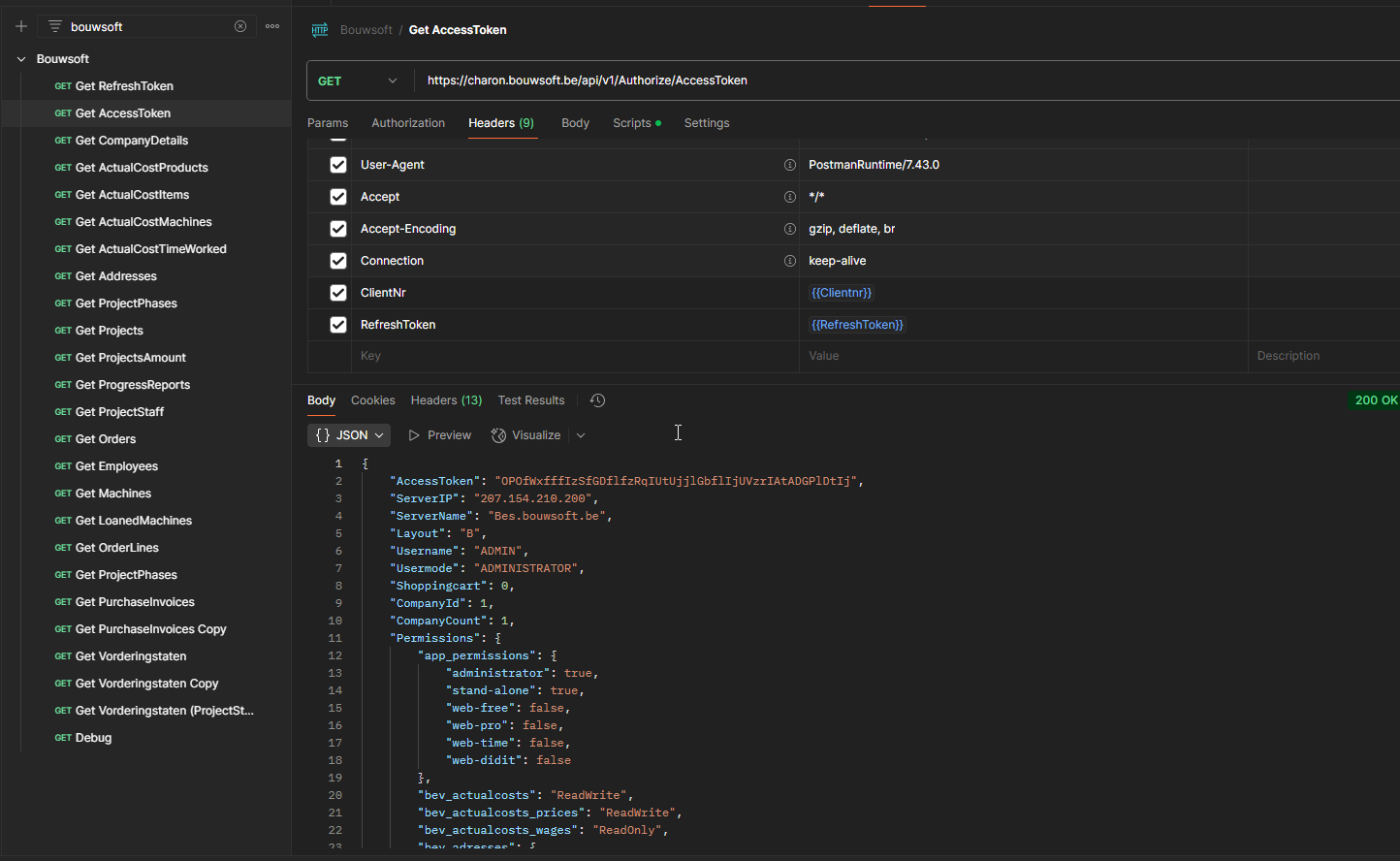
in short, you can store the ClientNr, the RefreshToken and the ServerName either in postman or in the KeyVault in order to access the API.