Test and Monitor your Proxy Installation
-
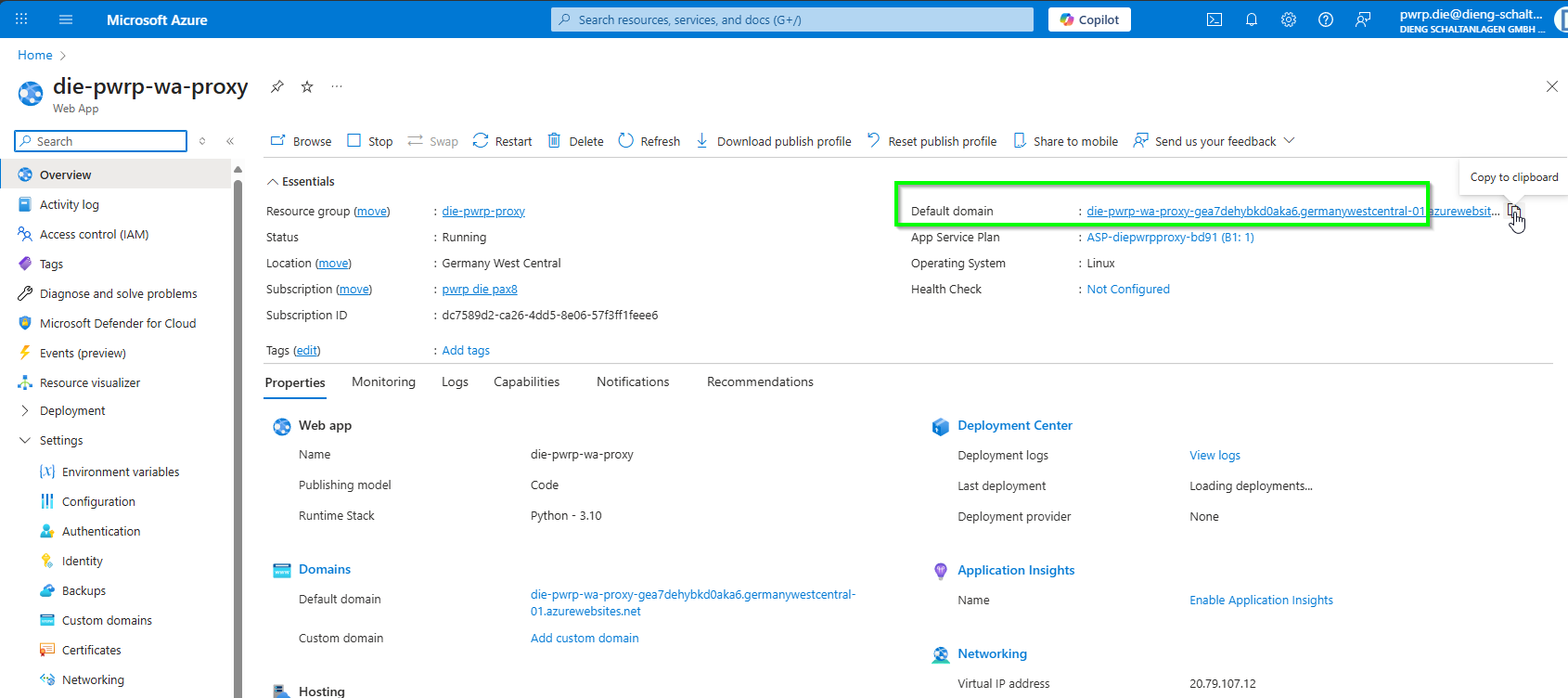
From the Web App in Azure, copy the default domain
-
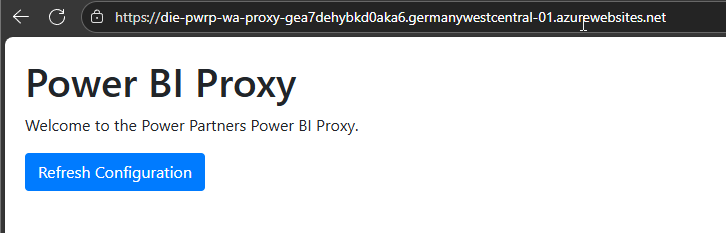
paste it into a browser. You should see the Proxy home page
-
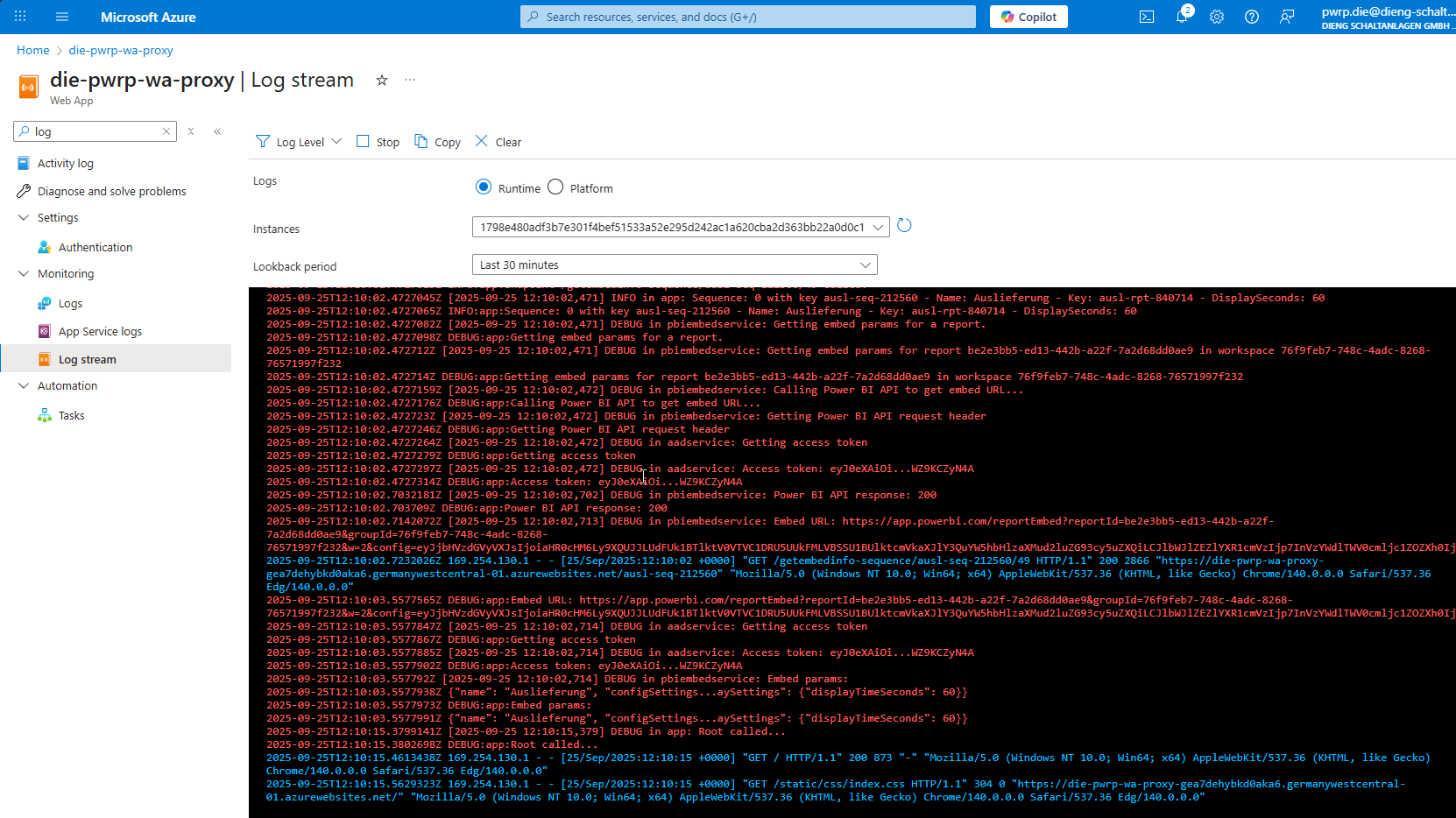
open the logs, you will see them in near time, according to your log levels
-
open one of the links. You should see the report, as configured
