Abacus ODBC driver installation
The local installation of the ODBC driver is needed to use Power BI desktop with the Abacus system for communication.
The following description will guide you through the installation and setup process.
1. Get the driver from the medicel GIT repository.
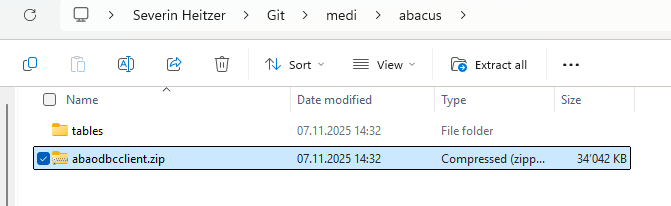
Therefore clone the repository and navigate to: C:\Users\YourUsername\Git\medi\abacus. There you'll find the .zip folder "abaodbcclient.zip" this one needs
to be extracted to your C:\ driver.
2. Create the registry editor entry.
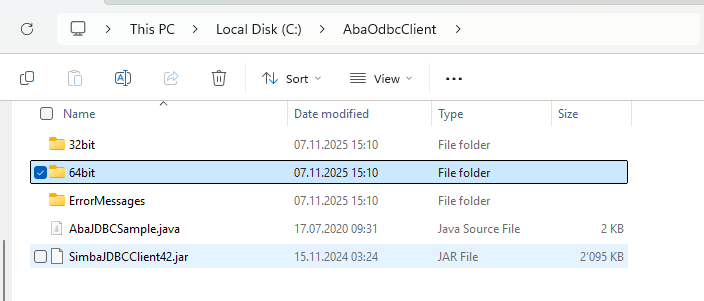
Once extracted go to the extracted folder and choose (depending on your machine but highly assumed it's a new one) the 64bit folder or in case an older machine is used the 32bit folder.
Now double click on AbaOdbcClient.reg this will create the entry.
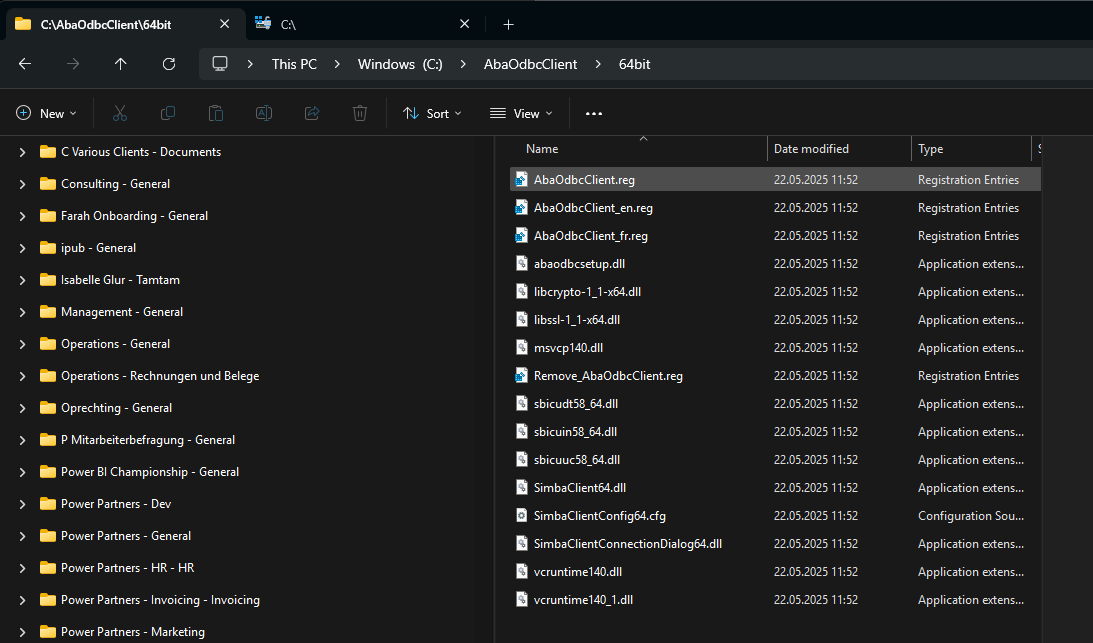
If it prompts an answer confirm with yes.
3. Now the configuration of the ODBC driver.
Open in your windows search the ODBC Data Sources Administrator (only named ODBC Data Sources).
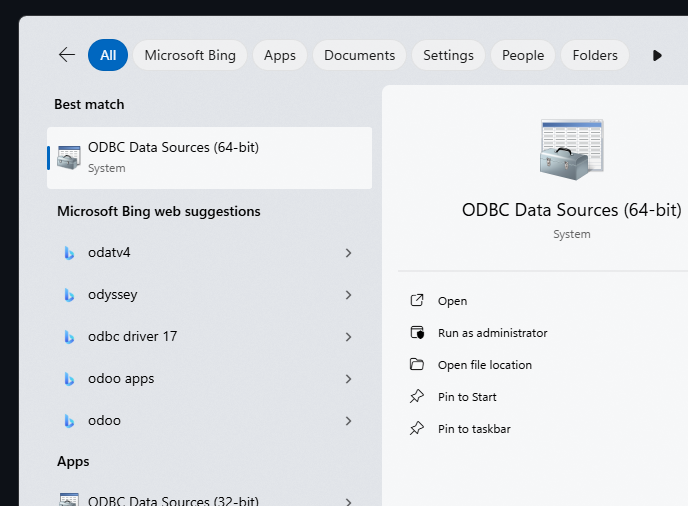
Once opened go to drivers and select the tab DSN, here click "Add" and select the ABACUS 1000 driver.
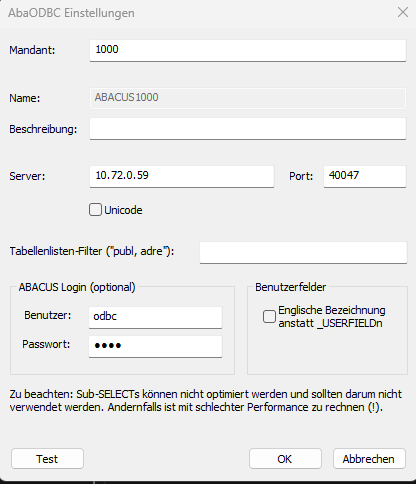
If the driver settings don't open directly double click on it and configure according to the below inserted screenshot and press "OK". Once finished close the Window and it should already work when using Power BI desktop.