OneTwo Source
- Client: #hbr
- Solution: project_review
- Data Source: OneTwo
Background
OneTwo is an SaaS web application. The users use barcodes to start and stop timetracking. The application also offers handling of other logistics processes (e.g. warehouse), but Holvoet only uses the time registrations.
Technology
The application offers a REST API with oAuth2 authentication.
Credentials
https://pwrp.plan.io/projects/hbr/wiki/API
API Documentation
https://www.one-two.com/nl/sp/api
Authentication Flow
There is some sample code in our Postman account: https://web.postman.co/workspace/My-Workspace~a68546b1-0809-4d38-8cd4-56d14d230b9c/collection/20854017-73947a88-095d-4bb9-818f-cf4065f78465?action=share&creator=20854017
0. Prerequisites
You need to get the following from OneTwo support
-
a login to OneTwo for the specific account (Holvoet in this case)
-
a clientId
-
a clientSecret
1. Get API authorisation from an app user
https://work.one-two.com/authorize?clientId={{clientId}}&responseType=code
The clientId is from the support.
There is a pop up. Log in as the OneTwo user and authorise. This will give you a code.
2. Get Bearer Tokens (first time)
You now need to get an access token, as well as a refresh token.
You use the code you got in the previous step to get the bearer tokens:
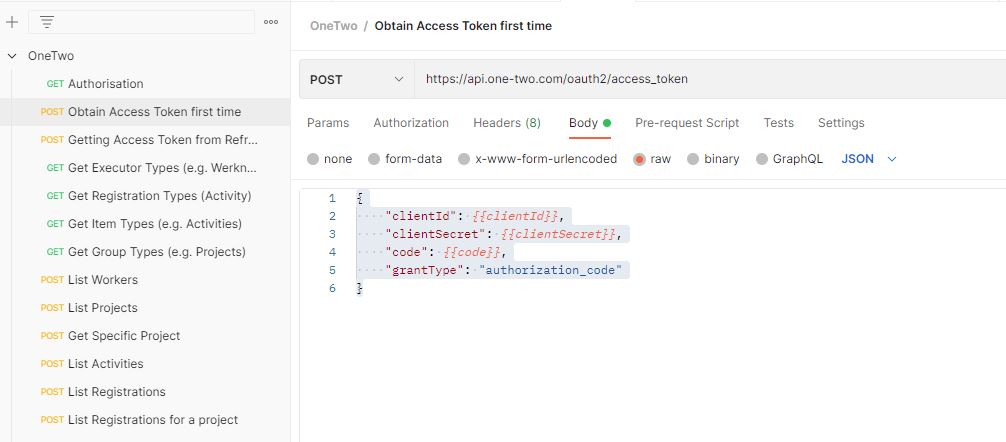
You can then use the access token to make requests.
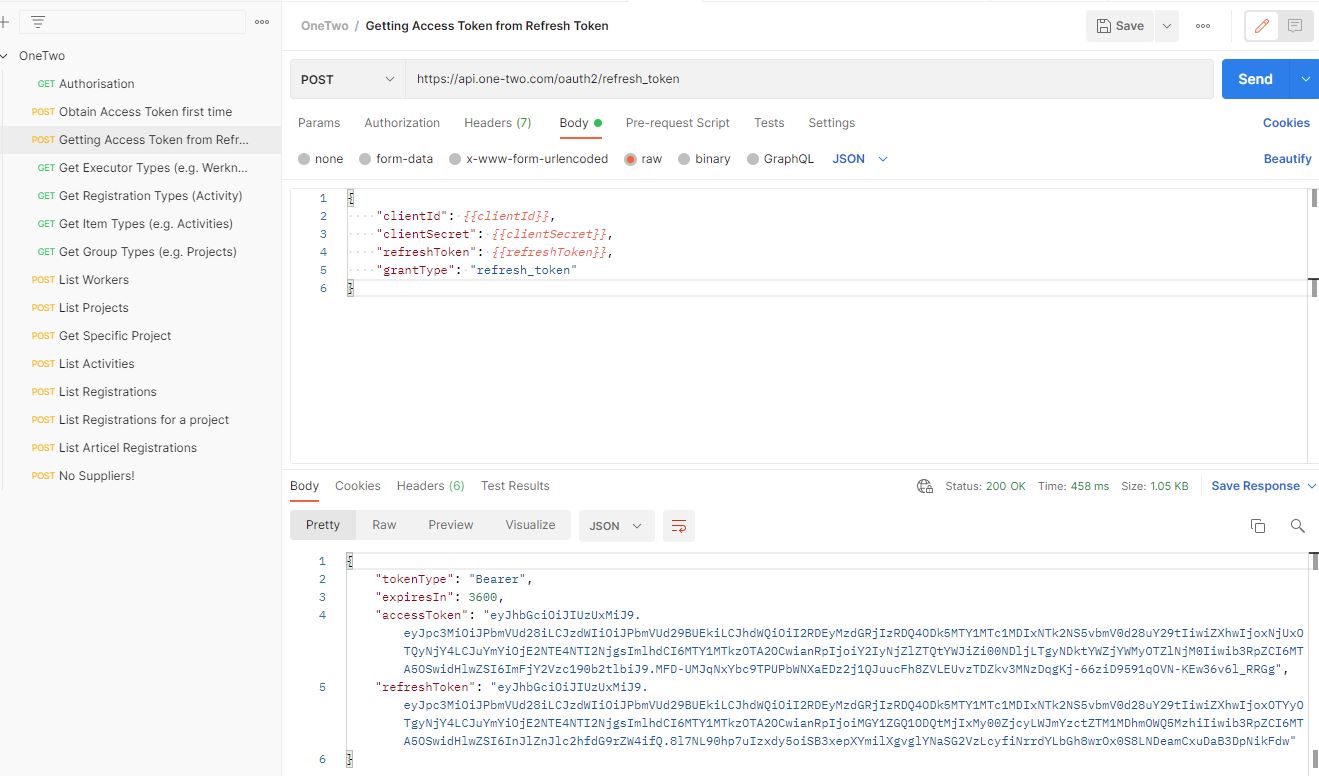
3. Refresh Access Token
Once the access token is invalidated (after some time or a number of requests), you need to use the refresh token to refresh, i.e. get a new access token.
Entities
OneTwo has a number of entities, each of which has different types:
-
Executors (i.e. entities registering time)
- Workers (400110)
- Suppliers: not relevant for this project
-
Registrations (i.e. time logs)
- Activities (700110)
- Articles (740110)
-
Items
- Activity (500110)
- INTERN
- CALCULATIE
- LADEN / LOSSEN
- OPRIUMEN
- etc.
- Articles (540110)
- Activity (500110)
Projects
ID Mapping
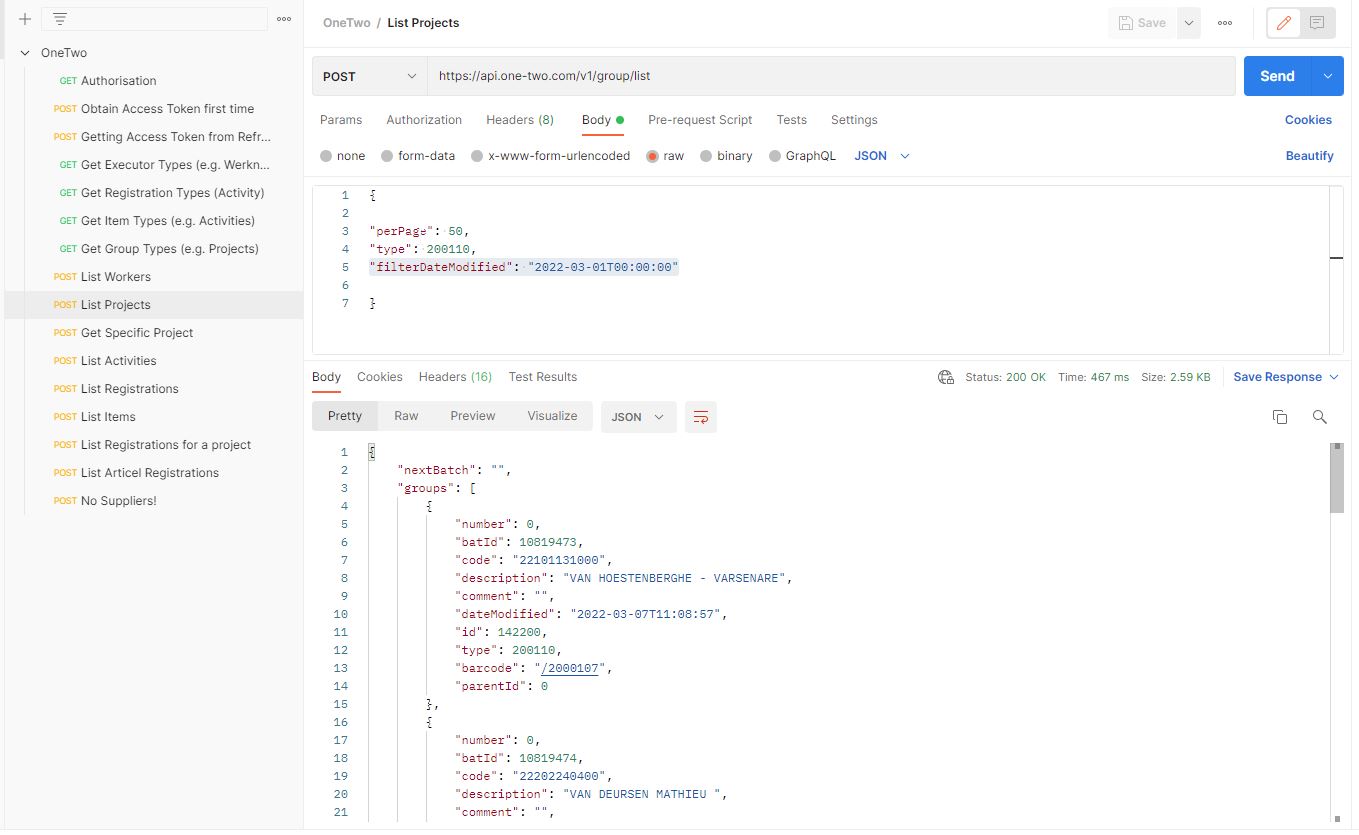
OneTwo Projects use the Lean ID in the project.code.
Filtering
The API allows filtering by DateModified. Like this, it is possible to download only changed values. This allows designing an efficient incremential load like this:
-
download only changed entities.
-
store one entity per file, as json
-
in data factory, combine all entity files into a single file (flatten)
-
convert to parquet
-
import parquet file into power bi
Paging
The API uses paging.
{
    "perPage":20, //max 50
    "nextBatch"(*): "xxx-xxx-xxxxxxx-xxx", //empty on the first call
    "type"*: 500110,
    "filterId"(*): 999,
    "filterCode"(*): "ART1", //wildcards ? and %
    "filterDescription"(*): "Article 1", //wildcards ? and %
    "filterBarcode"(*): "/500099",
    "filterDateModified"(*): "2019-04-09T15:08:04" //>= given date
}
If the nextBatch in the reply is empty, then there are not more pages: