Wp dashboard link
Wordpress WP: add link to popup with Dashboard
You need to perform the following steps:
-
publish the report to web and copy the secret report ID
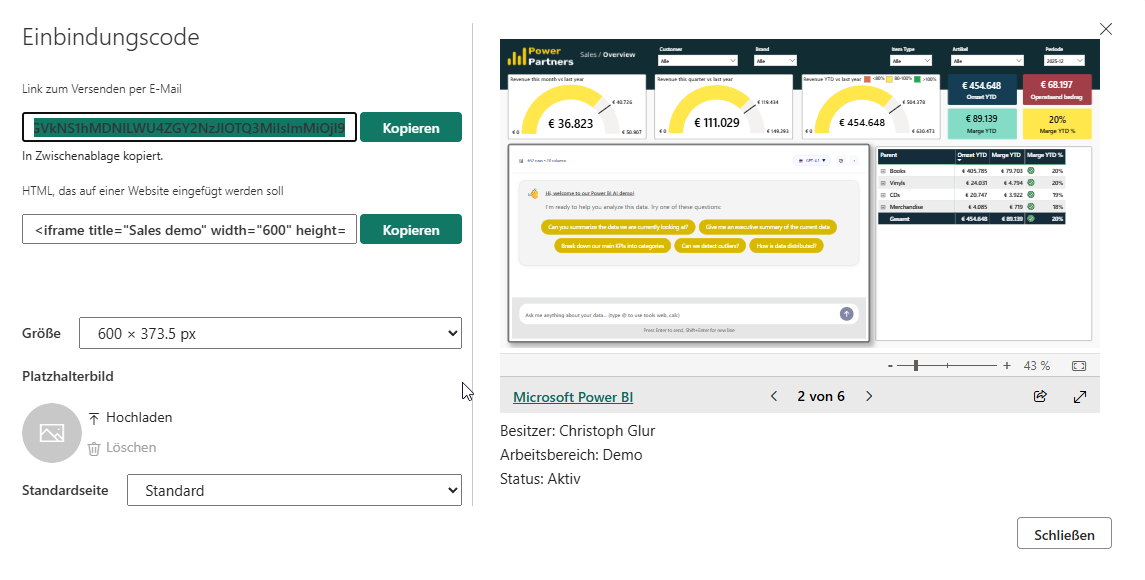
-
create a button in your post by adding an HTML element in WP
-
add the html code
-
replace the report link
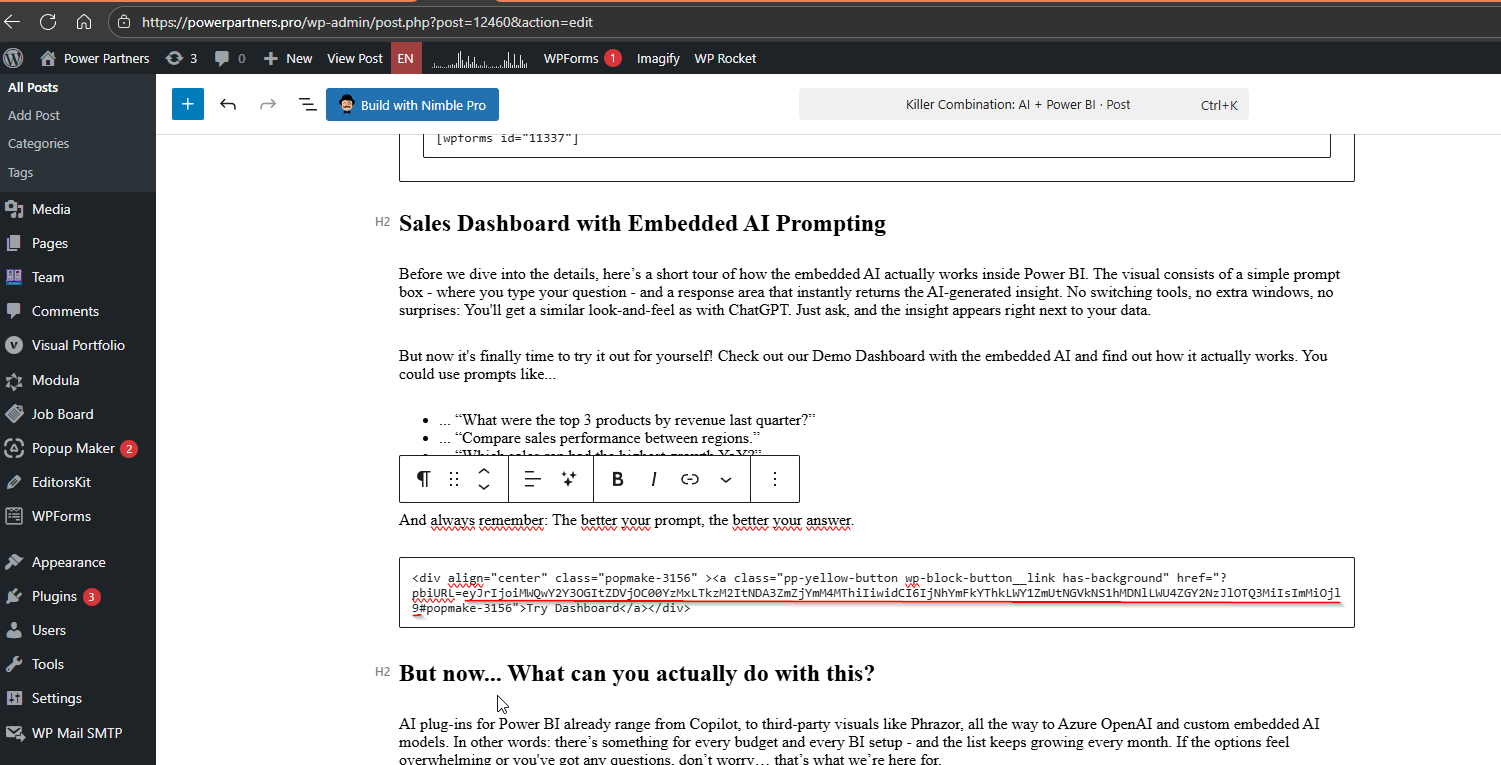
Background
This involves the following components:
-
PopupMaker
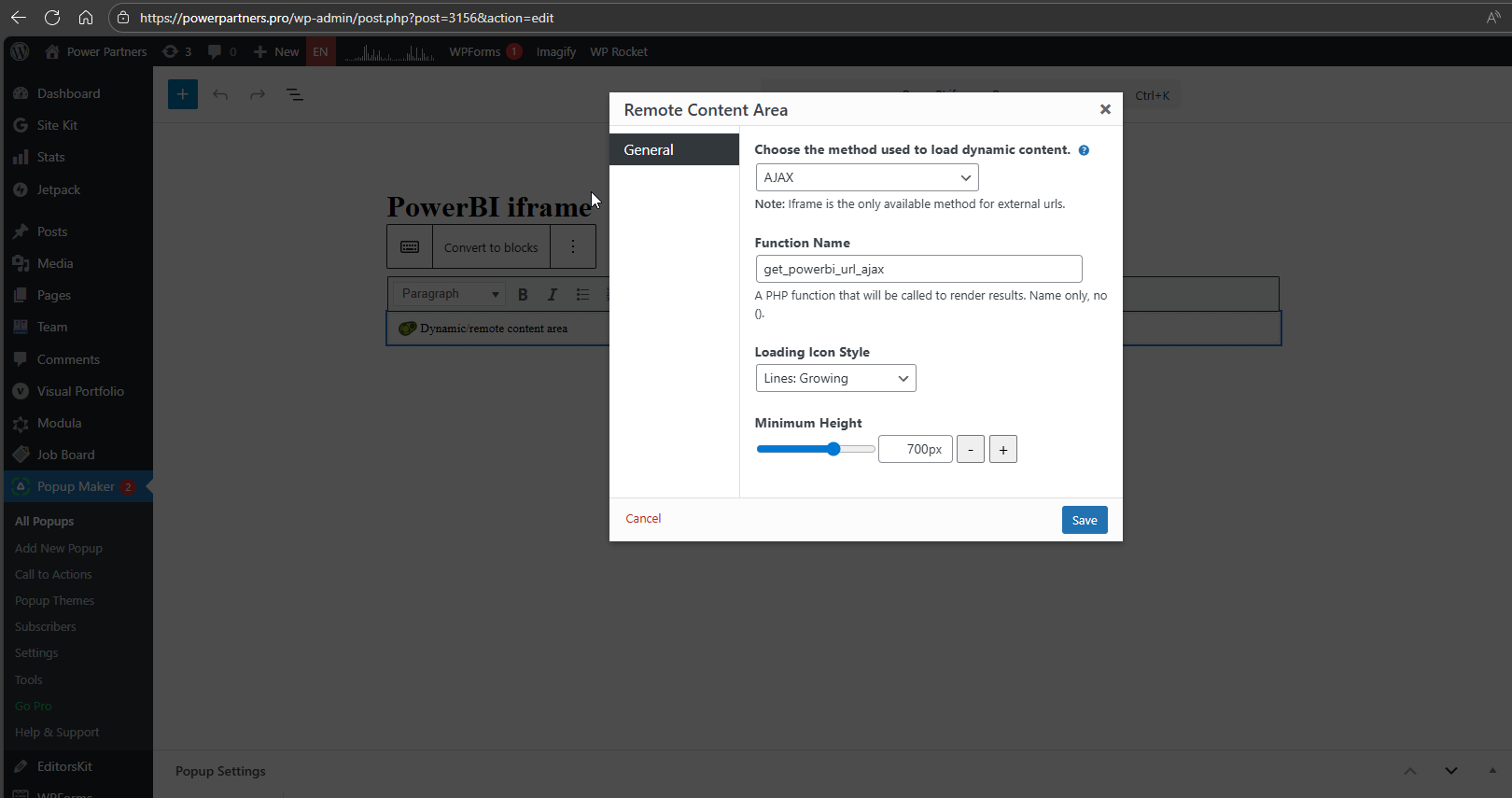
-
js
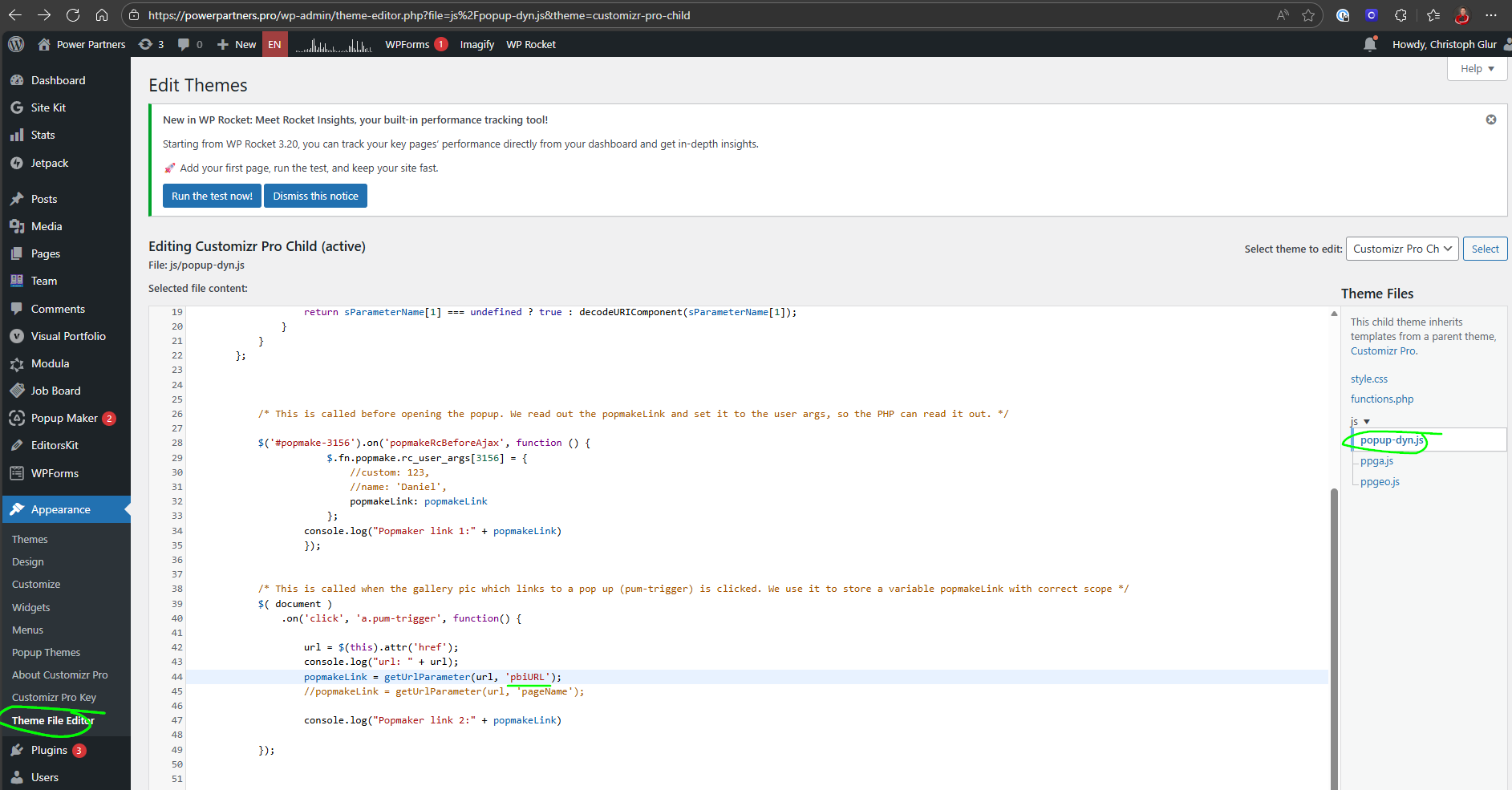
-
functions.php
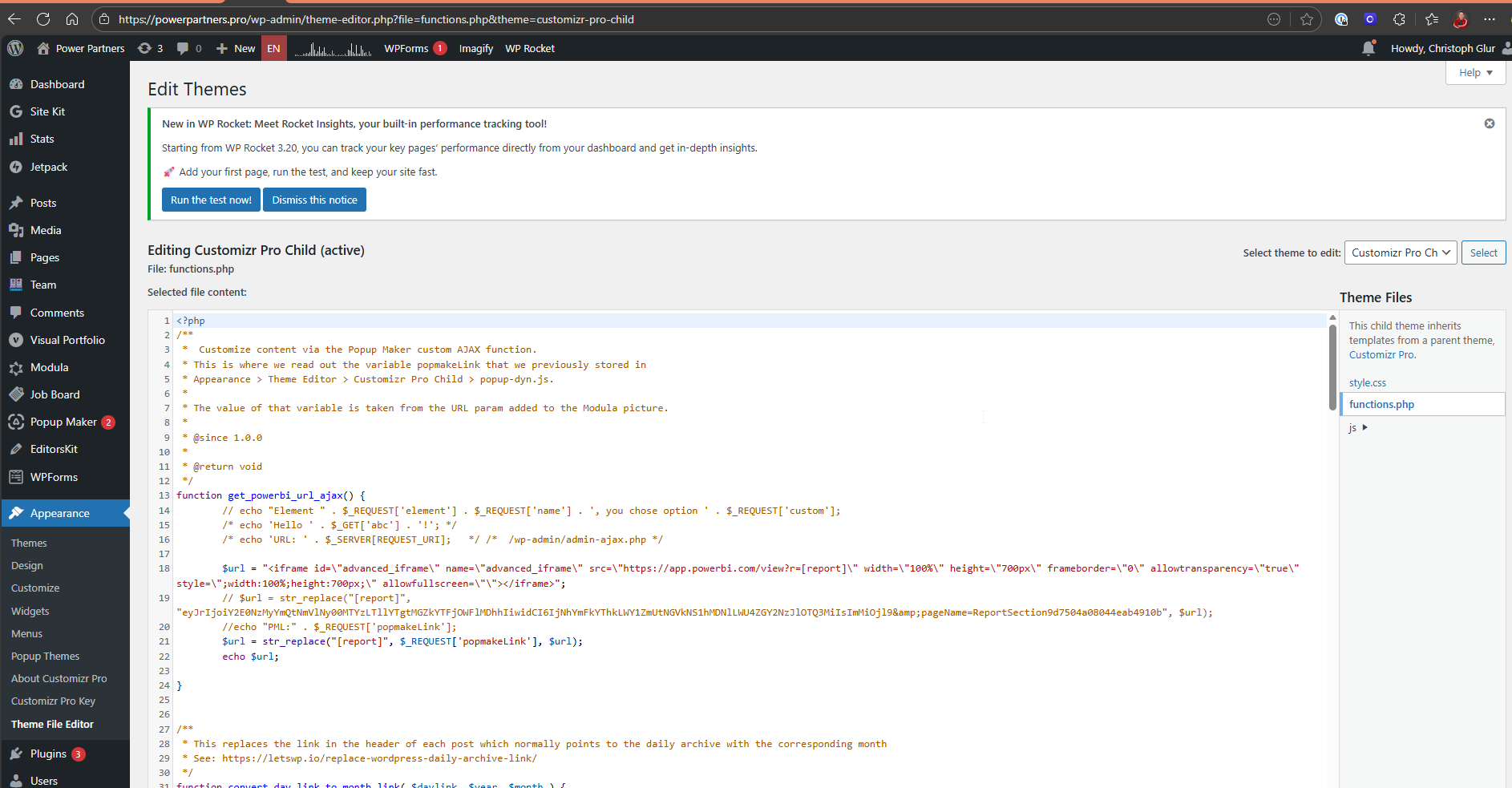
TODO
- Add a possibility to link to a page.