Azure Data Studio
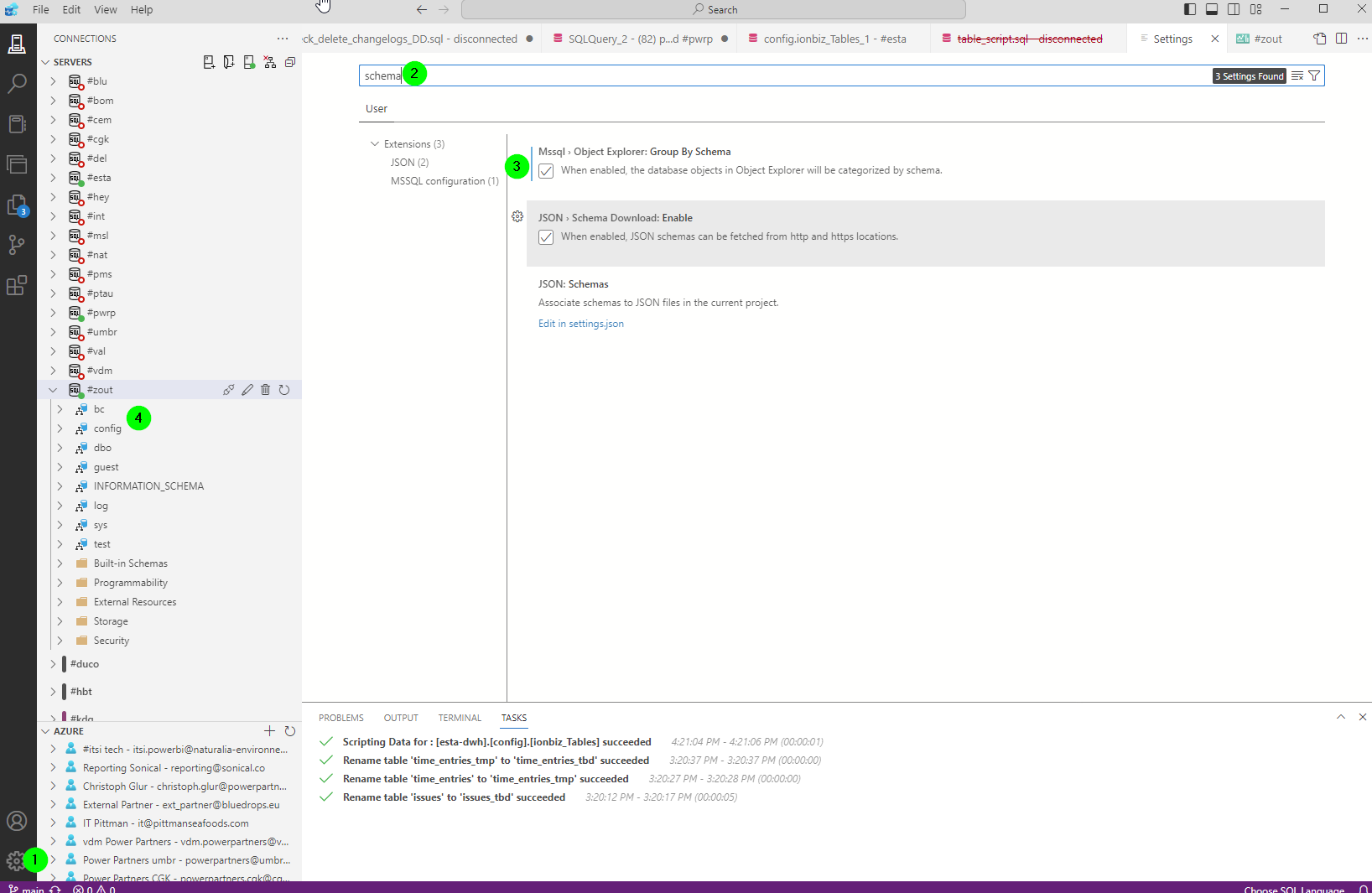
Group by schema
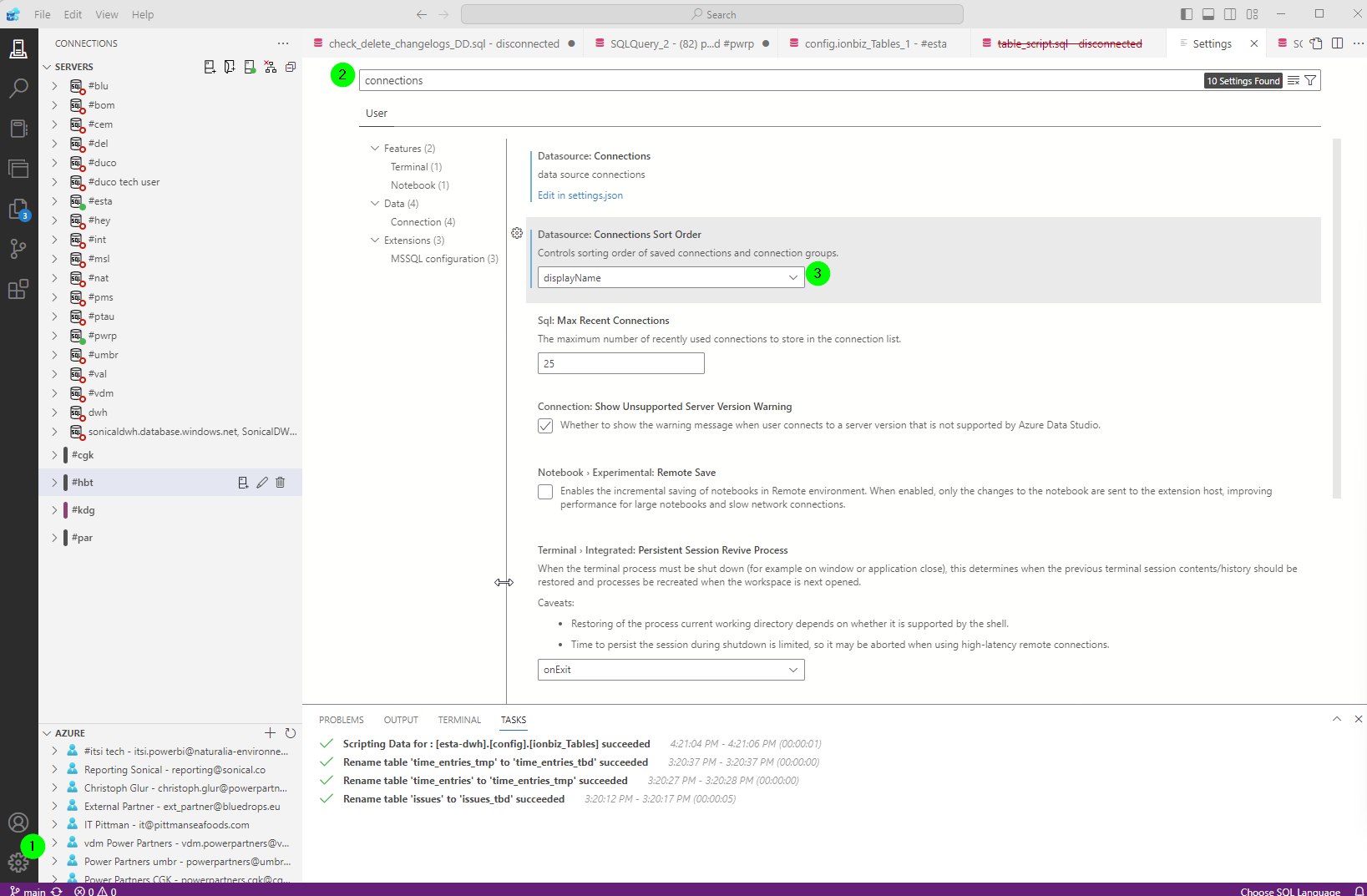
Sort connections by name
Simple Data Scripter
There is a helpful extension. We can use it to script the data of a table into an SQL.
You can download it from here: https://github.com/ecirpnaes/SimpleDataScripter.
To install it, you need to go to Azure Data Studio > File > Install Extension from VSIX Package.
Once active, you can create an SQL script for the data in a table by right clicking the table and selection Script Table Data.