Finacc (BC): Technical Reference
Overview
The Financial Accelerator (BC) allows reporting key metrics from BC as a turnkey solution.
It allows aggregating numbers over multiple companies.
flowchart LR

    BC[fa:fa-database BC]
    DWH[fa:fa-database DWH<br>SQL Server]
    DS((fa:fa-star-of-life<br>BC_dataset.pbix))
    R(fa:fa-chart-pie BC_reports.pbix)
    U[fa:fa-user User]
    SP[fa:fa-folder Sharepoint]

    BC-->DWH-->DS;
    SP-->DS;
    DS-->R;
    R-->U;

    style DWH fill:#007fff
   style DS fill:#FFD700,color:#fff
   style R fill:#FFD700,color:#fff
BC
The solution accesses BC via the Power Partners DWH (BC).
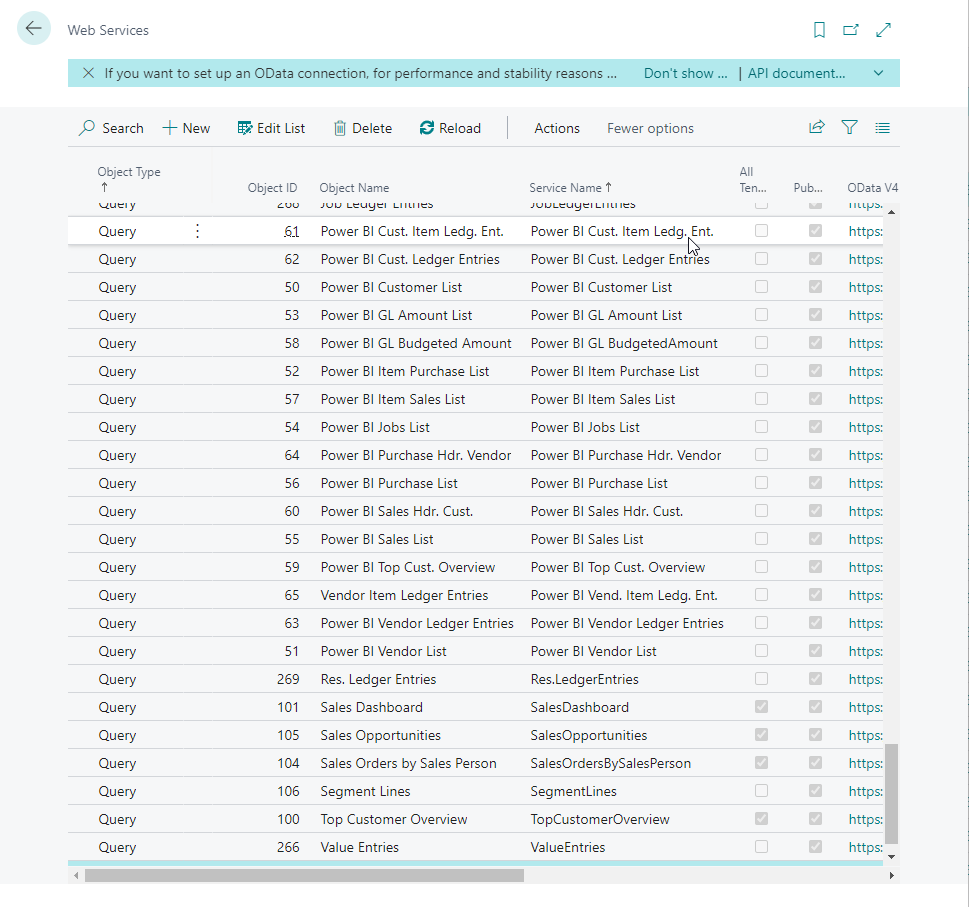
We require the following endpoints/tables:
| Query/Page | Object ID | Service Name | Table | Extension? |
|---|---|---|---|---|
| Query | 50119 | pwrpVendors | Vendors | x |
| Query | 50120 | pwrpCustomers | Customers | x |
| Query | 50107 | pwrpCustomerLedgerEntries | CustomerLedgerEntries | x |
| Query | 50102 | pwrpVendorLedgerEntries | VendorLedgerEntries | x |
| Query | 50103 | pwrpSalesInvoices | SalesInvoices | x |
| Query | 50105 | pwrpPurchaseInvoices | PurchaseInvoices | x |
| Query | 50104 | pwrpSalesInvoiceLines | SalesInvoiceLiines | x |
| Query | 50106 | pwrpPurchaseInvoiceLines | PurchaseInvoiceLines | x |
| Query | 50101 | pwrpGLEntries | GLEntries | x |
| Page | 77 | Resources | Resources | |
| Query | 260 | DimensionSetEntries | DimensionSetEntries | |
| Query | 2400 | accounts | Accounts | |
| API | Companies |
The extensions we are referring to is:
App Name: pwrp DWH
Installation File: Power Partners_pwrp DWH_2.22.0.28.app
App Publisher: Power Partners
Current Version: 2.22
It will be installed in BC as part of the Power Partners DWH (BC Edition).
Power BI
There are two distinct pbix files that are used for the solution:
- BC_dataset.pbix
- BC_reports.pbix
Workspace
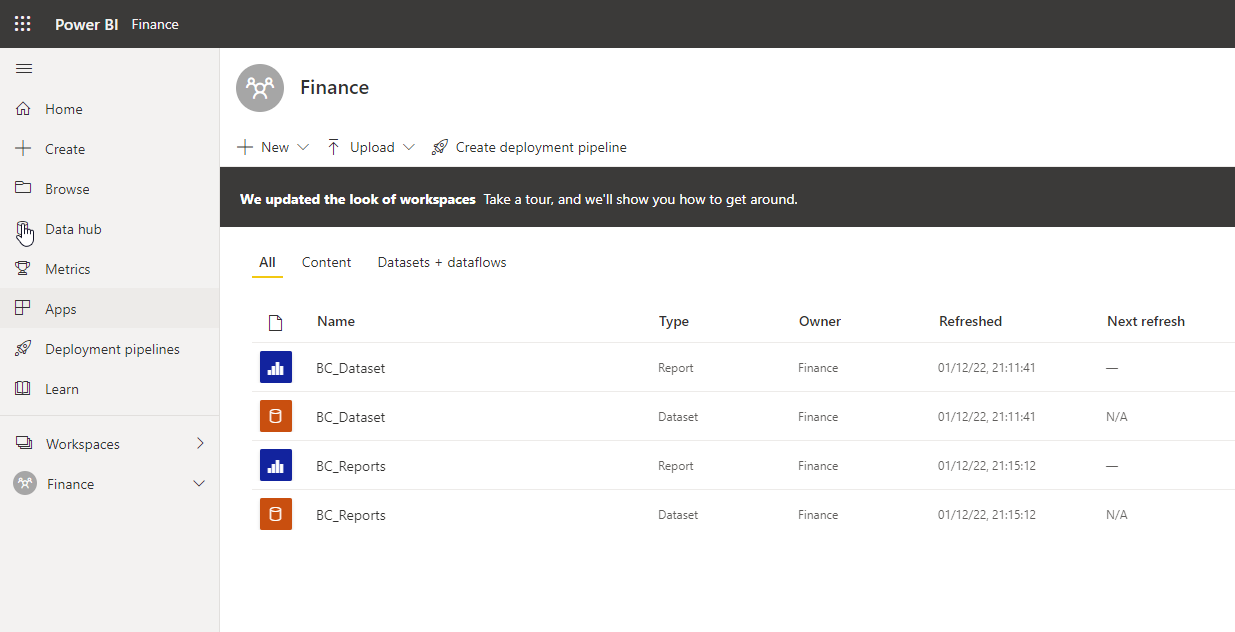
The artefacts are typically deployed to a dedicated, single workspace.
Sharepoint
We need one Excel file to map the accounts to reporting lines.
This file is stored in Sharepoint. You can find the configuration under dataset > Settings > Parameters > SharepointURL
PowerQuery
PowerBI_Dataset
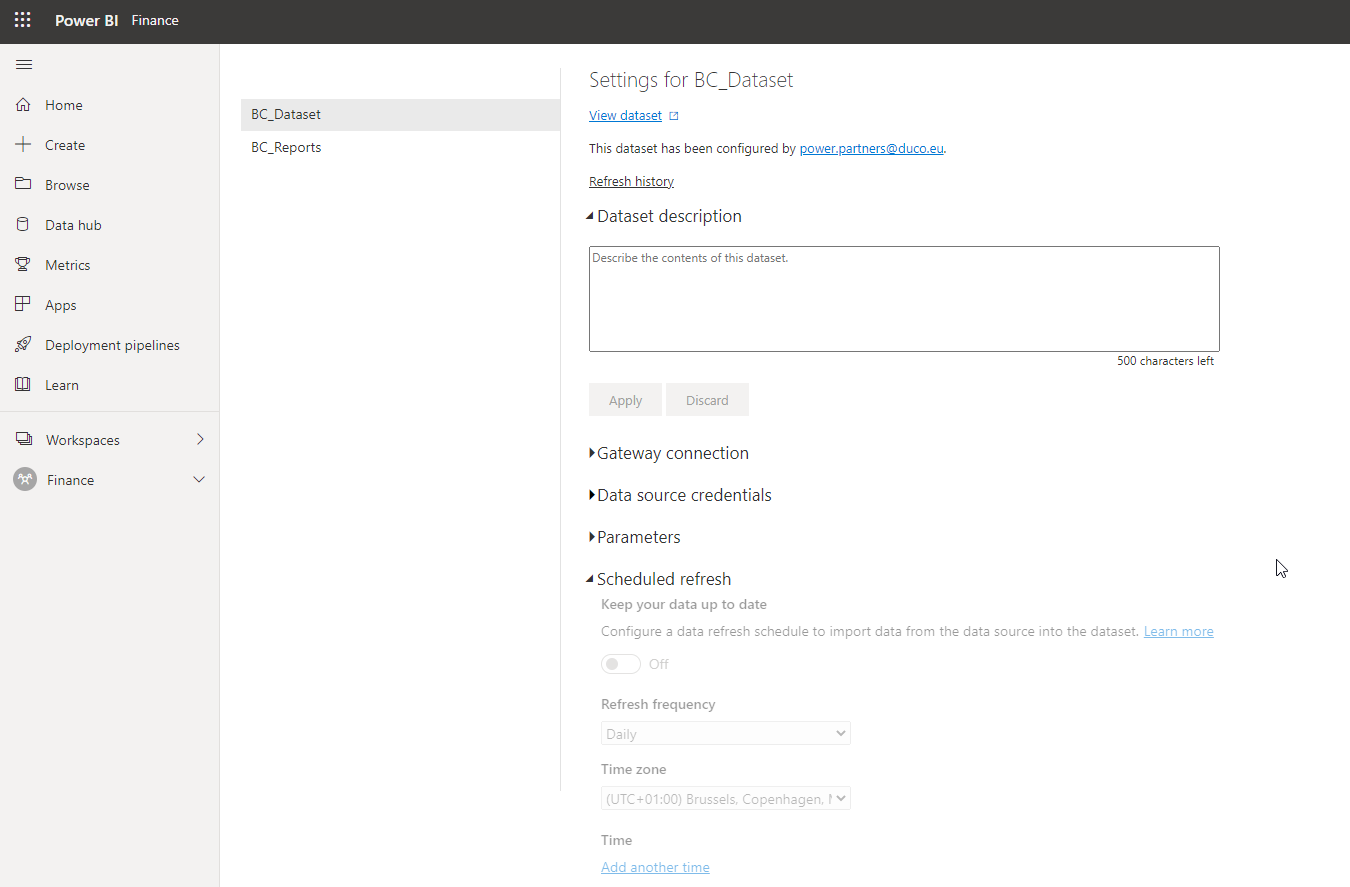
The dataset is usually configured to load nightly. You can find the configuration of your dataset under settings: