Deploy Azure Function
Prerequisites
- VSC
- with a workspace for the bc dwh af
- Azure Function Extension
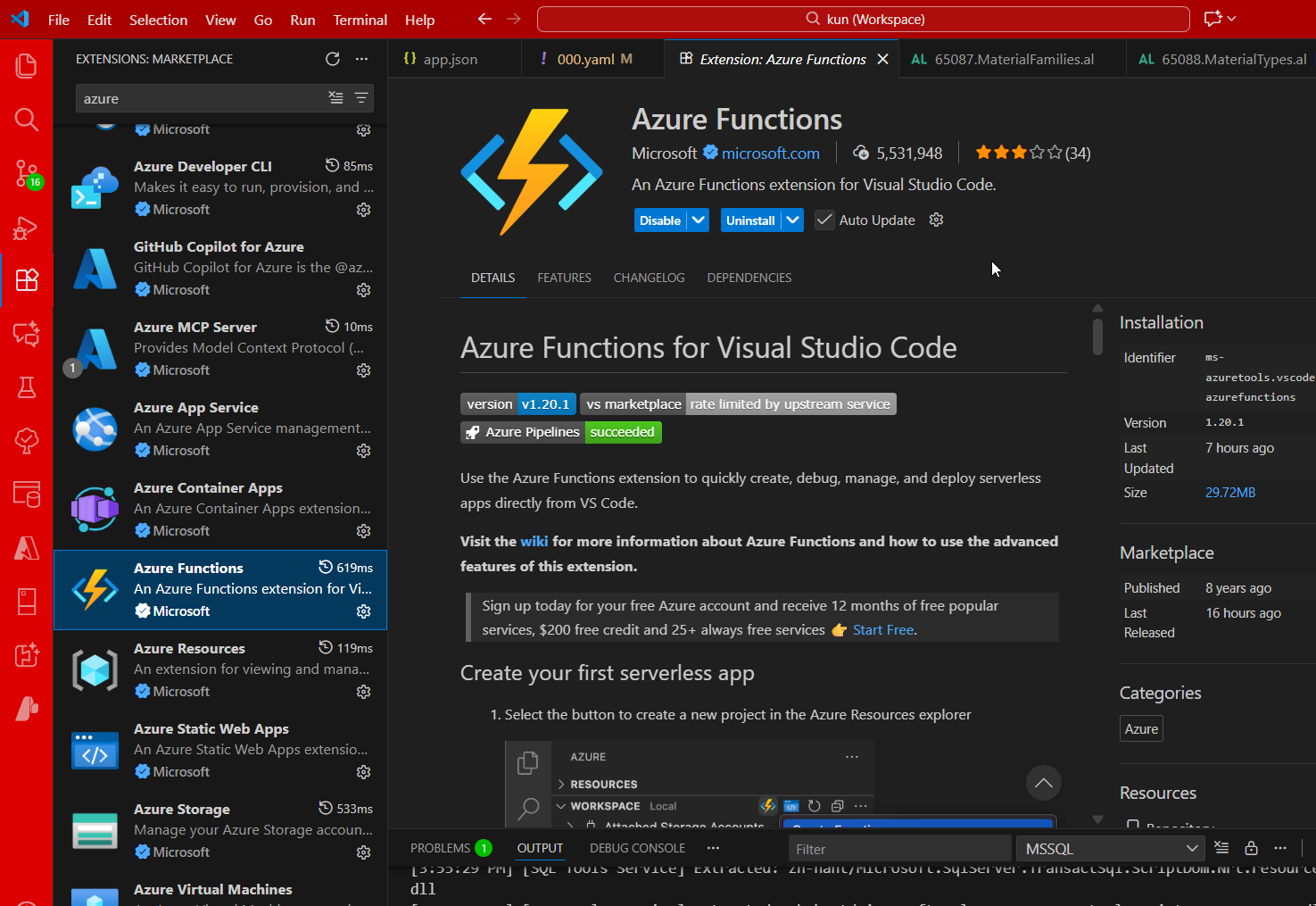
Steps
Follow these steps:
-
in vsc, log into the client azure portal
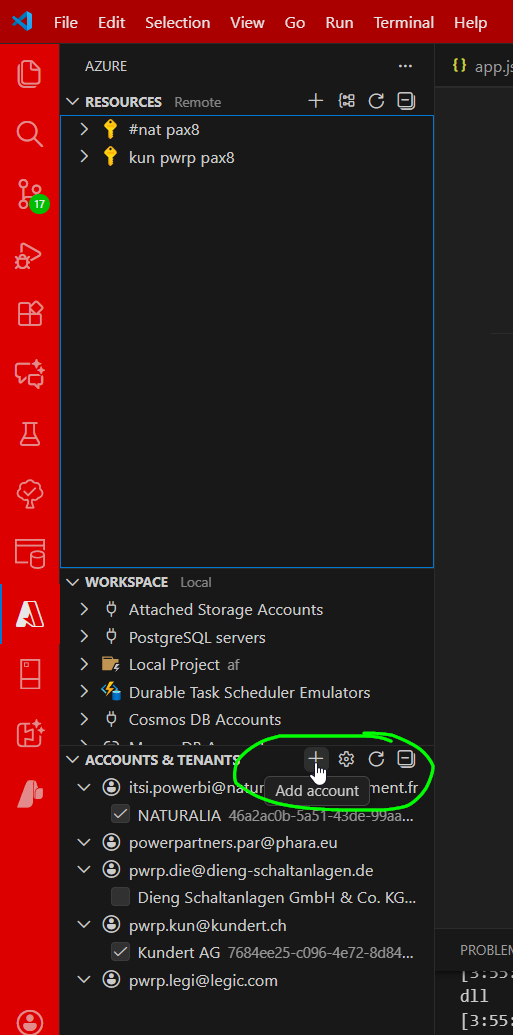
-
Select the AF and click
Deploy to Azure
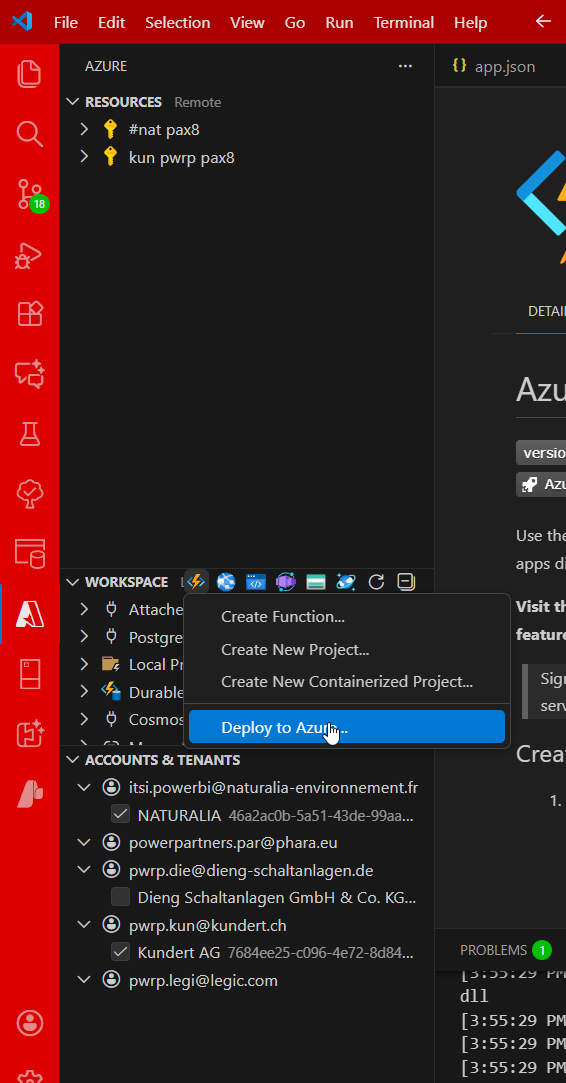
-
Select subscriptions and AF (as created earlier)
-
Wait until VSC shows that deployment was successful
-
IMPORTANT: check in
Azure Portal > AF > Deployment Center > Logsthat the remote build was indeed successful. NOTE: for Y1, we do not have access to the build logs. So you just need to wait up to 30min to have the build successfully finished. This is very annoying!!! However, for the first build, you will see the functions only once the build was successful.