Azure Logic App
In order to send emails, you need to create an Azure Logic App:
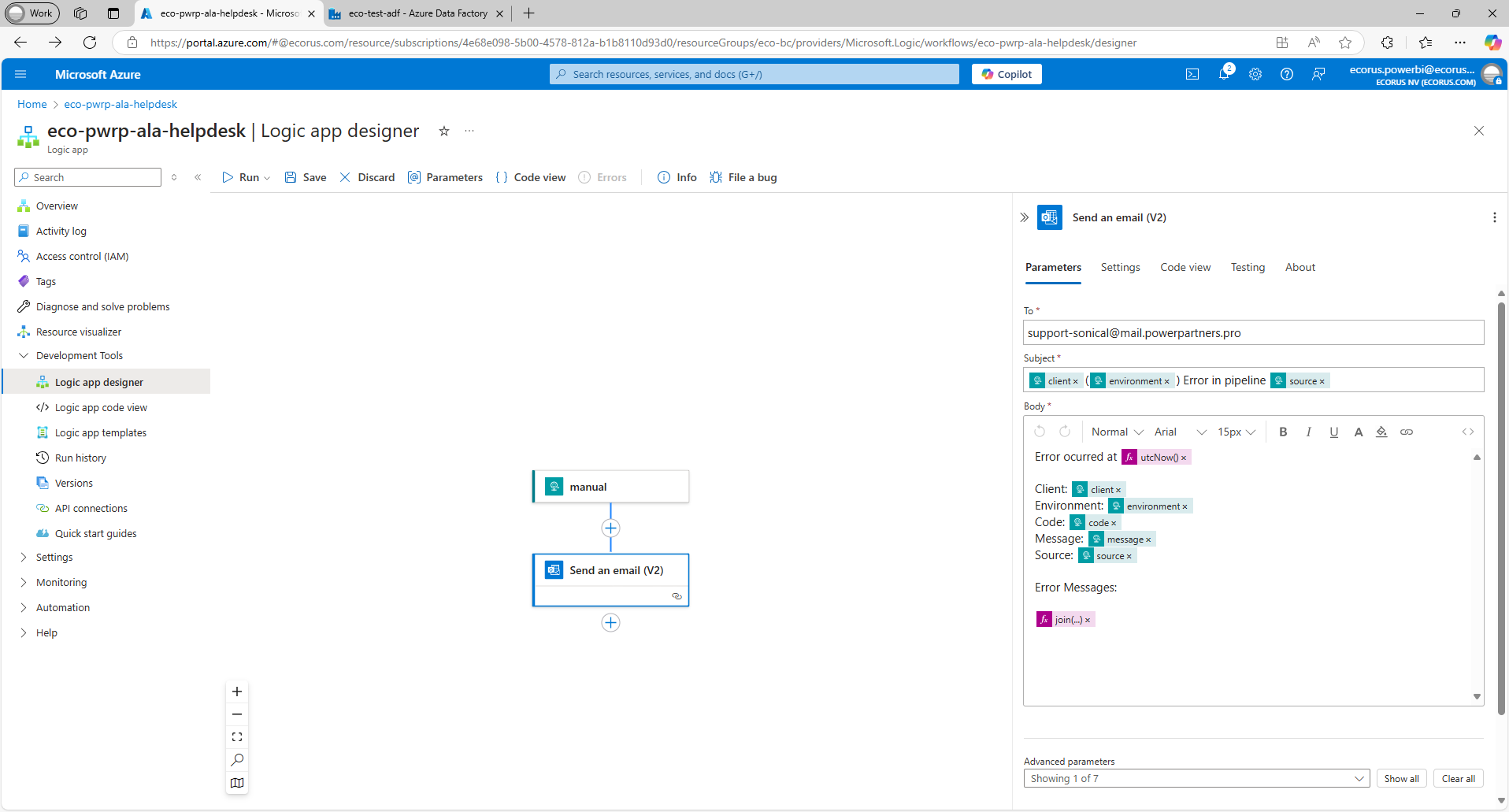
Currently, we don't have a fully working template, but you can proceed as follows:
-
create a step "Send an email (V2)".
-
authenticate with the tech user
-
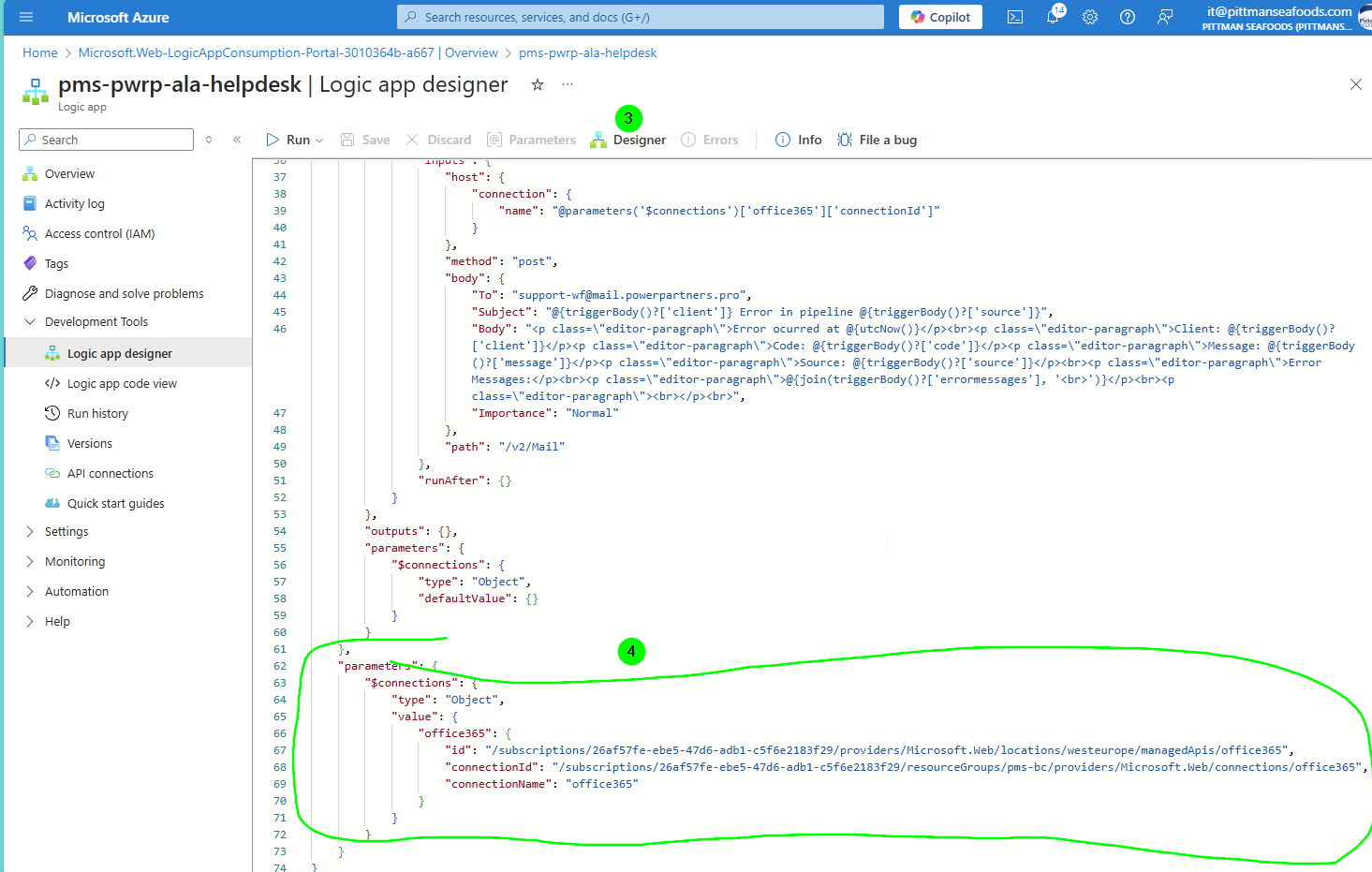
go to the code view
-
copy the parameters (which point to an API Connection) and store in Notepad++
-
import the code from
Git\product-dwh-bc\code\ala\azure-logic-app-helpdesk-notification.json -
replace the parameters section
-
switch to Designer view
-
test your logic app by clicking on "Run with payload"
-
add the following payload JSON
{
  "client": "ce014b2f-ddfb-46c3-ad10-a7401c896b86",
  "environment": "Sandbox",
  "message": "Failing pipelines: download incremental.",
  "code": 500,
  "source": "BC2DWH_daily_all",
  "errormessages": [
    "Operation on target has_errors failed: Incremental tables with errors: UnitCostEntry"]
}
- copy the URL for later use in the ADF
Check List
- You have a logic app and a corresponding URL
- You can send an Email to the helpdesk by calling the logic app with a test payload