How to Import a Large Excel into SQL Server
Prerequisite
- SQL Server Management Studio needs to be installed on your computer
Ho-To
-
In the Windows search bar type SQL Server 2019 Import and Export Data and use the app.
-
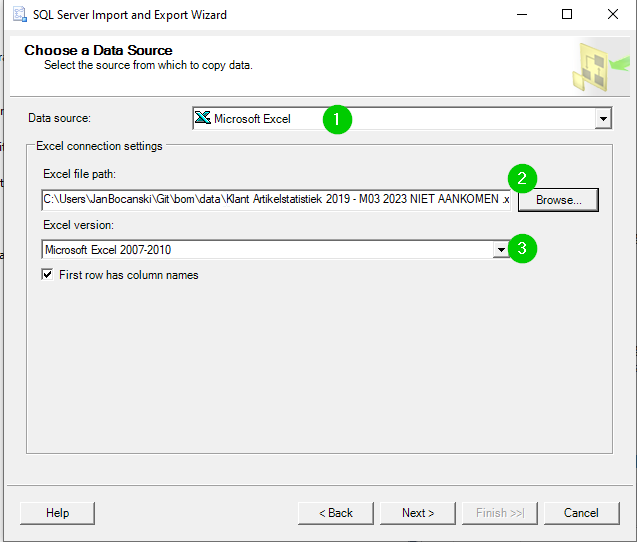
Choose a Data Source
-
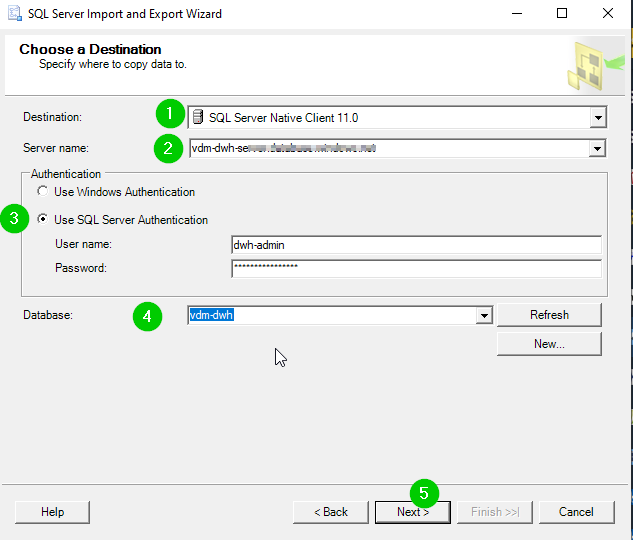
Choose a Destination
-
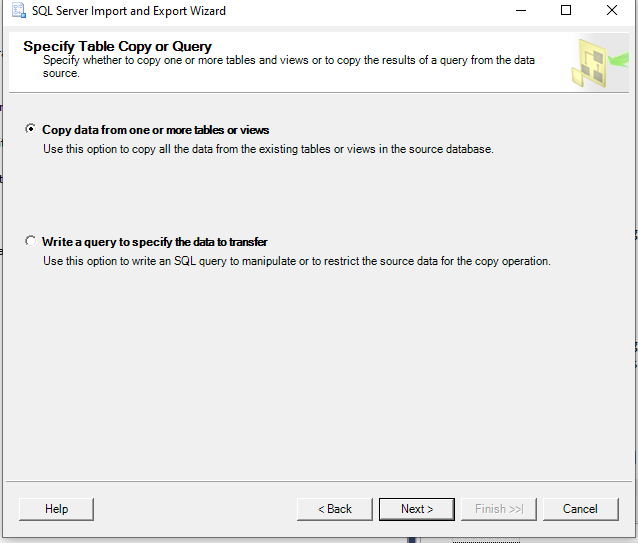
Select "Copy data from one or more tables or views"
-
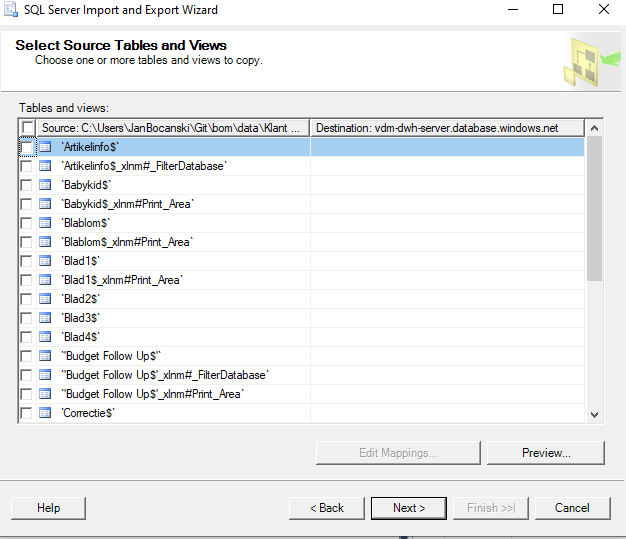
Select the tables that we want to import.
-
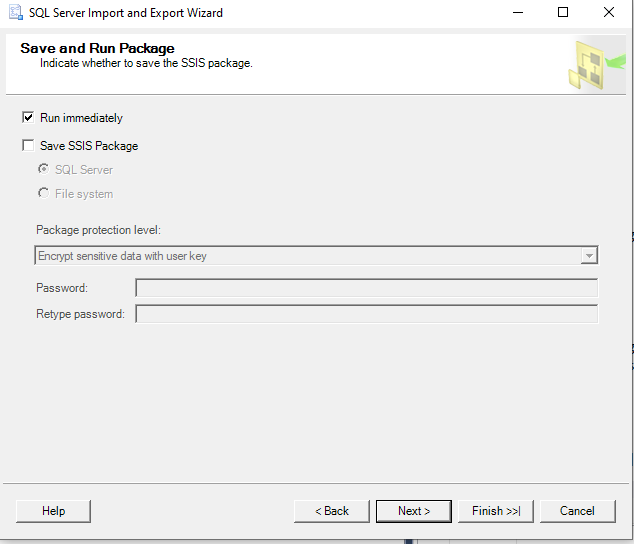
Run immediately
-
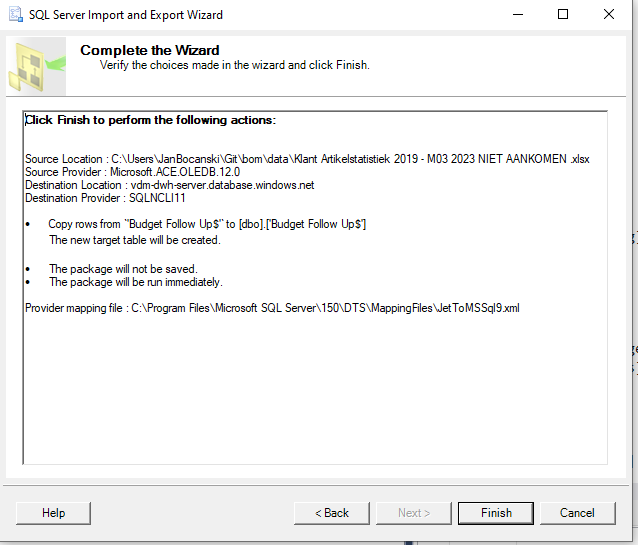
Complete